The Ghost in the Git
The Ghost in the Git
About project
TLDR;
The project uses GitHub to hide the removed commit where players need to uncover the commit via the GitHub API
Player are given a hint where the company “CyberAlam” …
Once the player found their company repo, they would go and take a look at the repos.
Some gave hint to having deleted commits
The 1st part of the flag is at the deleted commits.
Then next would be the user should try to find their social account, at the bio of the staff pointing to the mastadon. But the bio only mention vaguely.
At the one of the mastadon servers, you’ll see that the user should find a post containing a blurred image of a terminal containing the 2nd flag.
Then, at the deleted commits/social you should see a domain name.
Going to the domain shouldn’t be anything.
But no hints here but users should try check the ssl certificate.
if they able to reverse it, you should find the cert being used with another domain.
going to that other domain also does not point to anywhere.
Using a DNS records history tool, you should able to retrieve the DNS records that contains the 3rd flag
Using a DNS lookup tool, you should find the TXT containing the 3rd flag.
Action items
- Serve flag 1 - deleted commits
- Serve flag 2 - mastadon account
- Serve flag 3 - hidden TXT domain
Challenge Description
CyberAlam Solutions, a cybersecurity startup based in Shah Alam, Selangor, has been developing an AI-driven automated incident response engine known internally as “Project IRENE” (Incident Response Engine for Network Examination).
To accelerate development, they brought on an external contractor to handle infrastructure setup and deployment testing. Sources say the contractor accidentally leaked fragments of IRENE’s proprietary engine code and infrastructure secrets across multiple GitHub artifacts before attempting to cover their tracks.
The company claims they caught the mistake immediately and “erased” all evidence. Prove them wrong.
The flag is split into THREE parts — you must find and concatenate all parts in order.
Solutions
Content of this writeup may not match of current setup as changes being made and challenge reset such as commit reference, profile and etc. If updated, may put a notice there. The instruction may be the same and can be followed.
FLAG - PART 1
As the hint already mentioned having a GitHub account, immediately searching for CyberAlam would produce search results that points to the repo immediately.
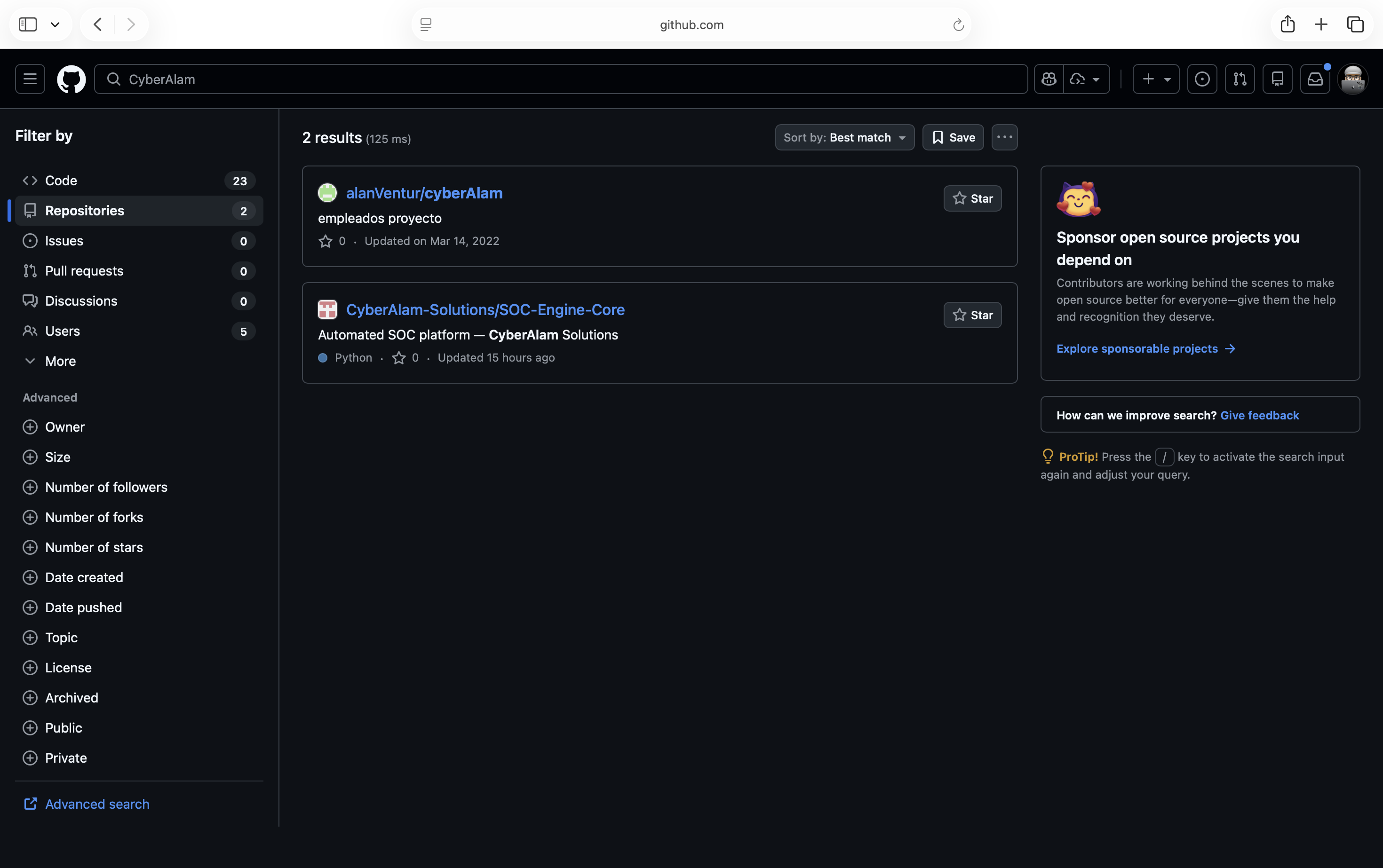
Then looking at the newest commit, you will see that the commit says that it has removed the test credentials from the config and infra changes have moved to Jamal. As this is the main repo, if you see that the fork has one person that has forked this repo.
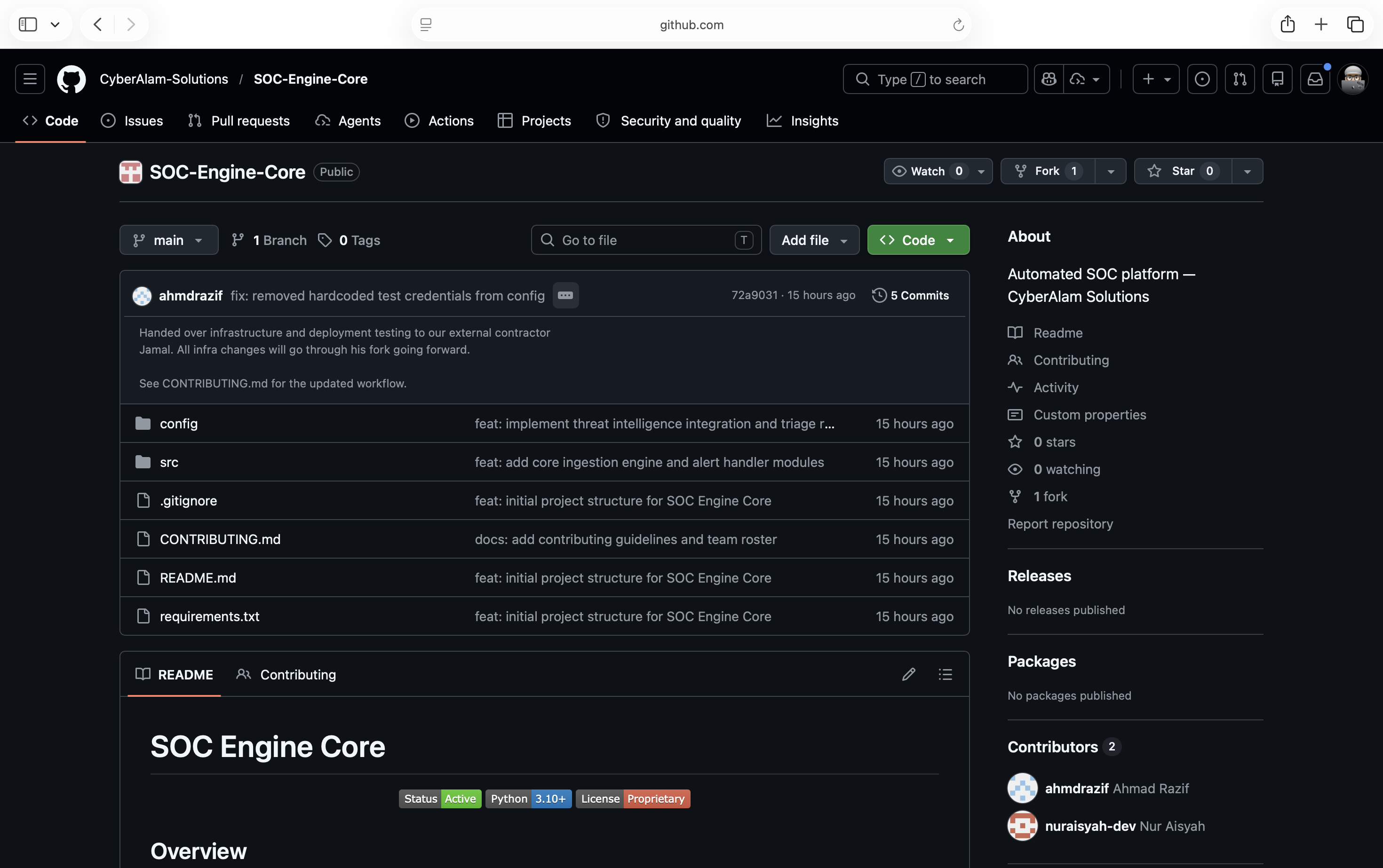
Looking at the list of forks, you will see that we see an account has forked the repo on his account.
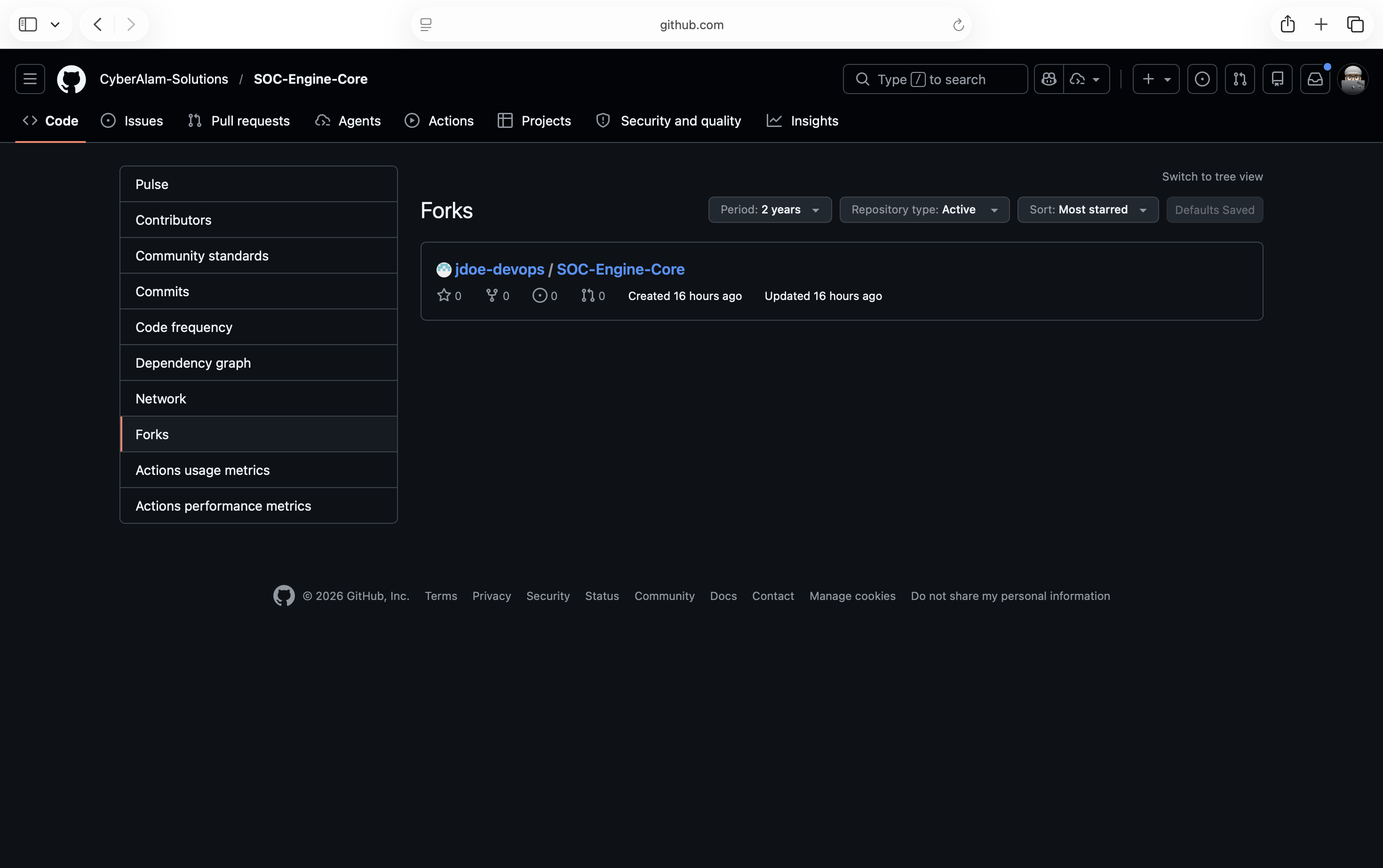
Looking at the account, confirming that it is Jamal that Razif mentioned.
This part contains hint to flag 2. Players may to proceed finding the part 2 from here due to this hint. If ignored, then player may proceed through this flag 1.
Looking at the forked repo, it may looked normal as it is updated against the main repo, but what did not you see is there is two more branch that is not existed from the main repo.
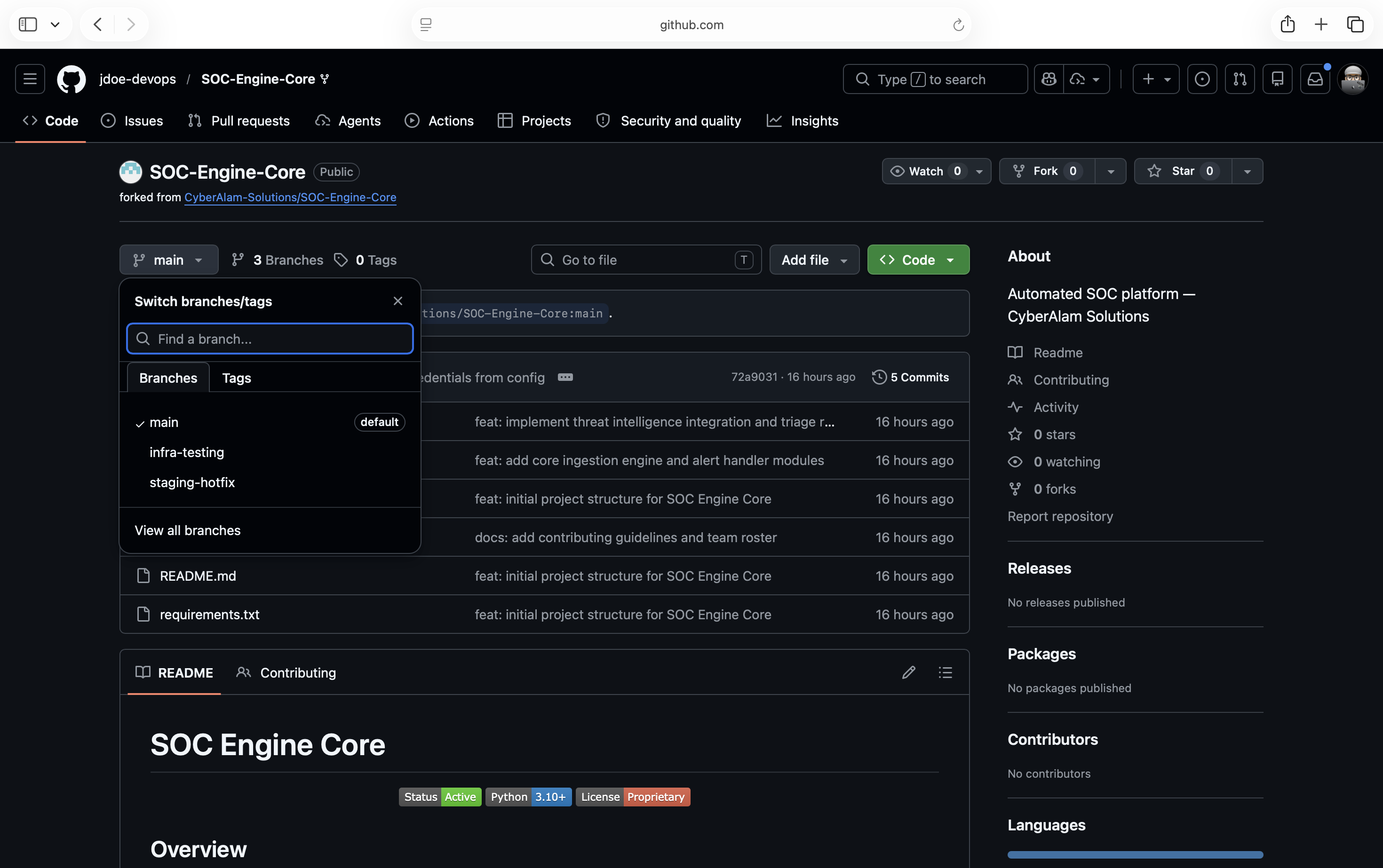
Looking at the commits of both of the repo may looked normal like normal DevOps operation of managing the deployment. But we still see that there is cleaned repo.
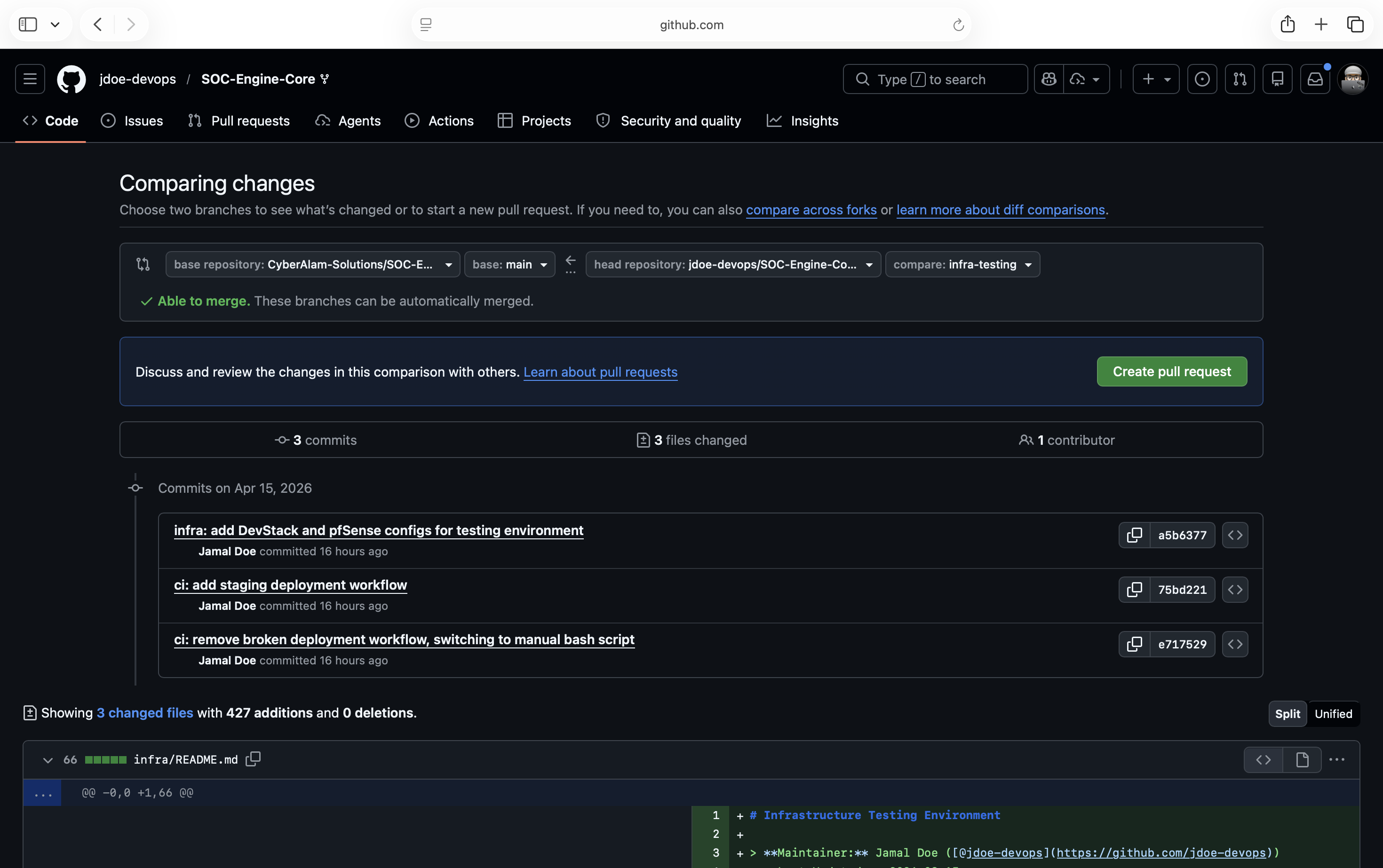
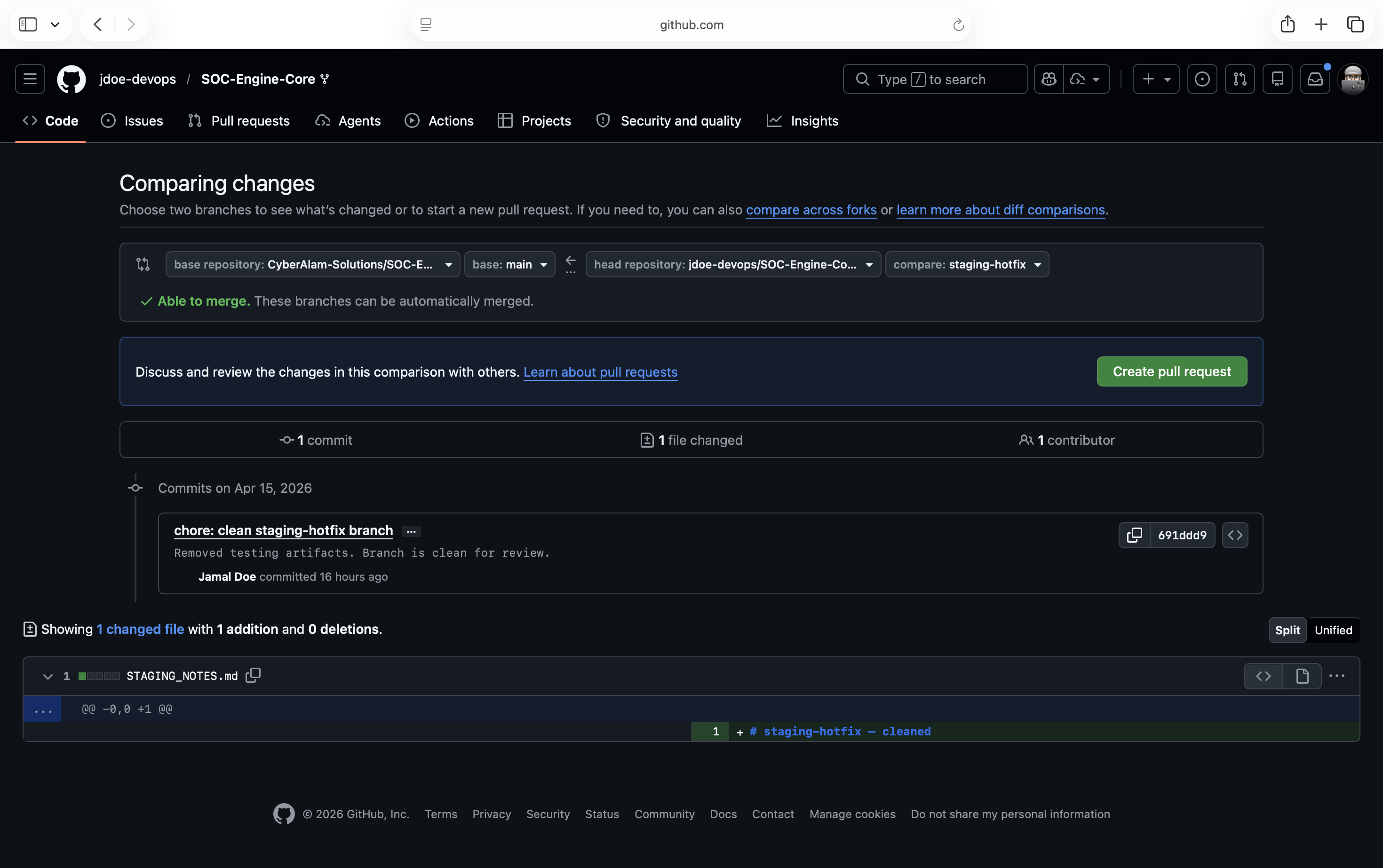
Digging deeper and you’ll see an issue closed and opened by Razif that we seen earlier.
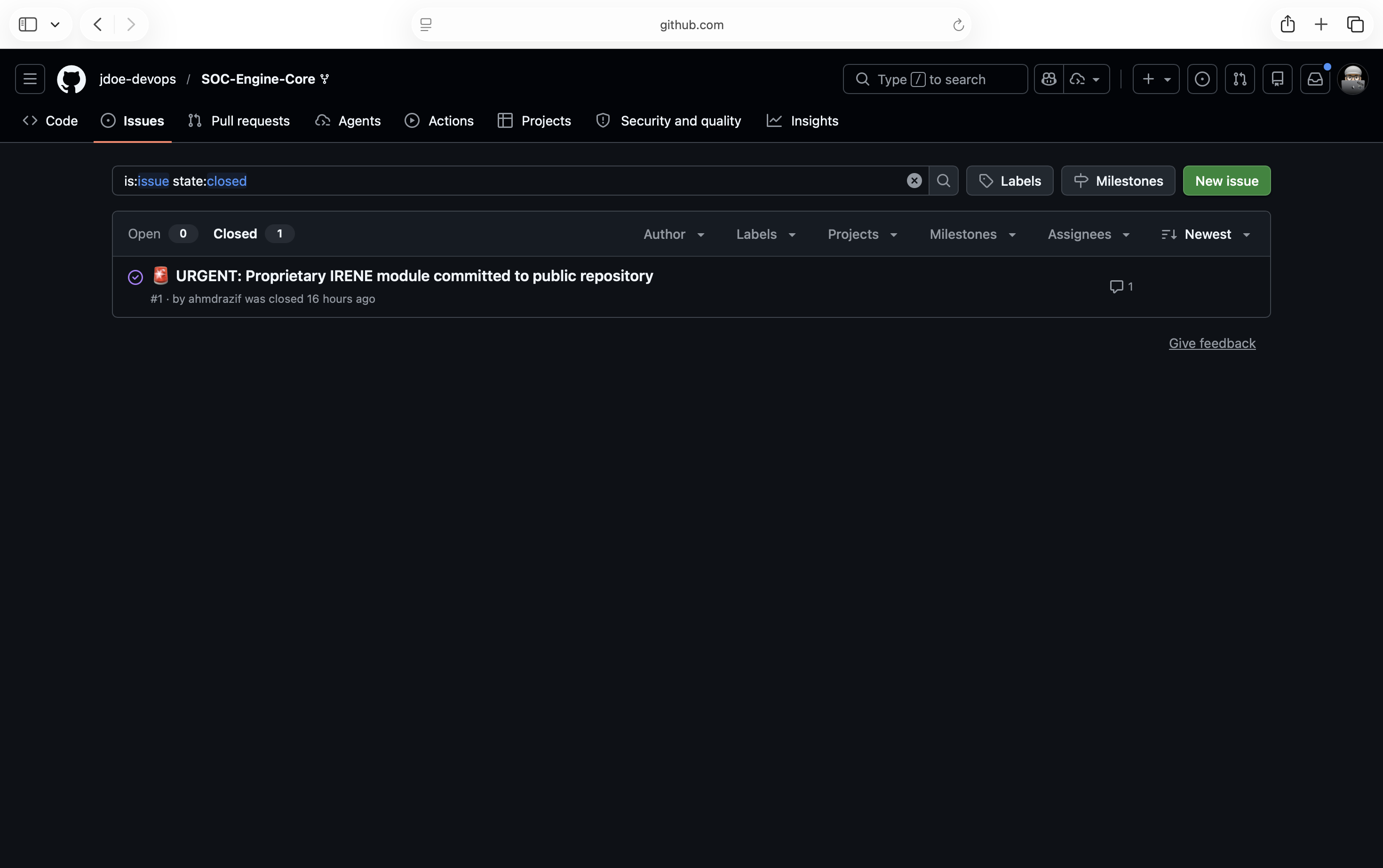
Opening the issue that we see our first hint at every thing that has been cleaned. We see that the repo has been force push which they think it is has been removed from the internet. But, in reality it is not.
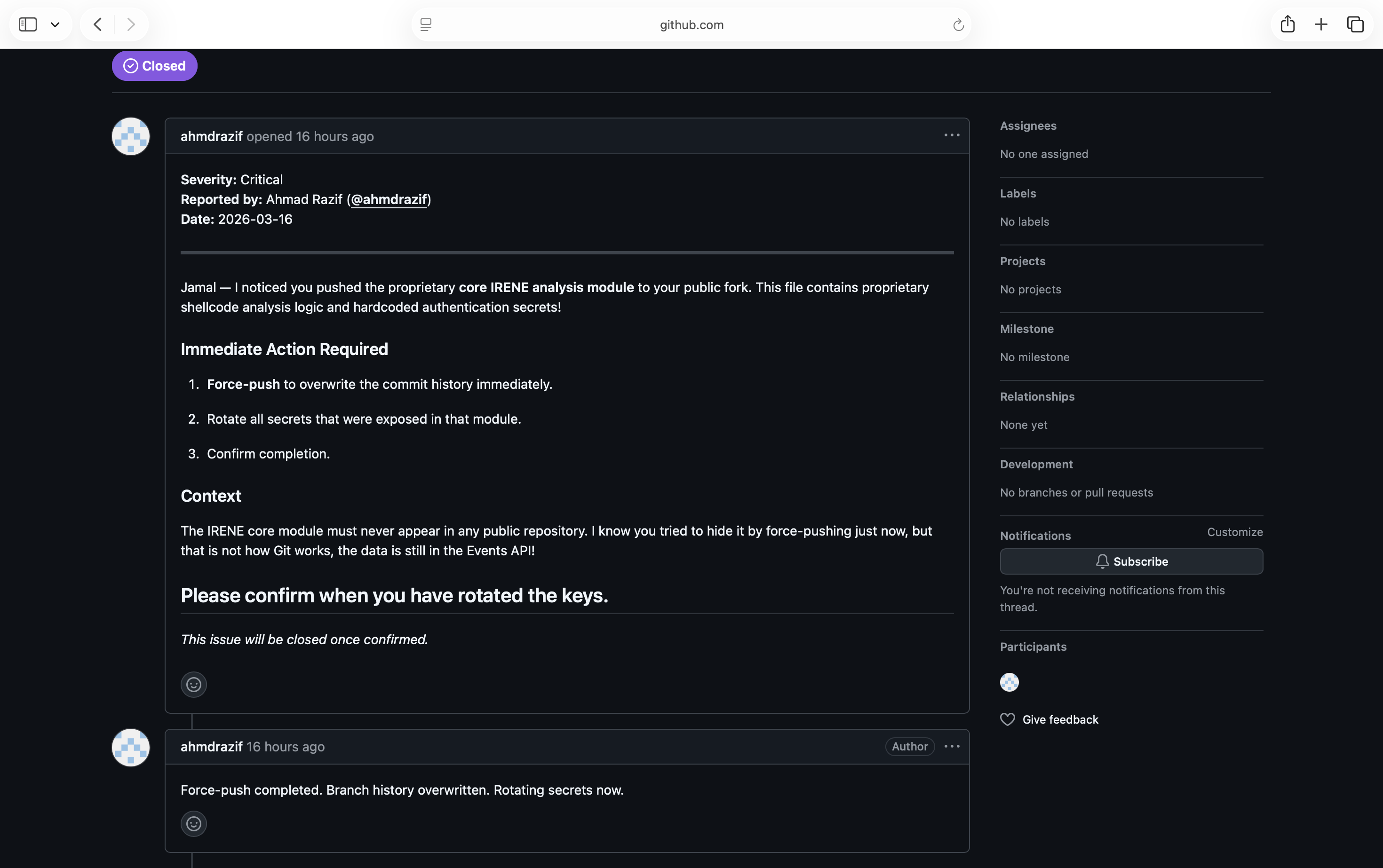
The way Git works that it just dereferenced the commit by the branch but the commit is still there. Knowing this is quite dangerous if you’ve been accidentally committed maybe secrets that could cause issues in people restoring them. But, the commit only remains around 60-90 days before it being permanently removed.
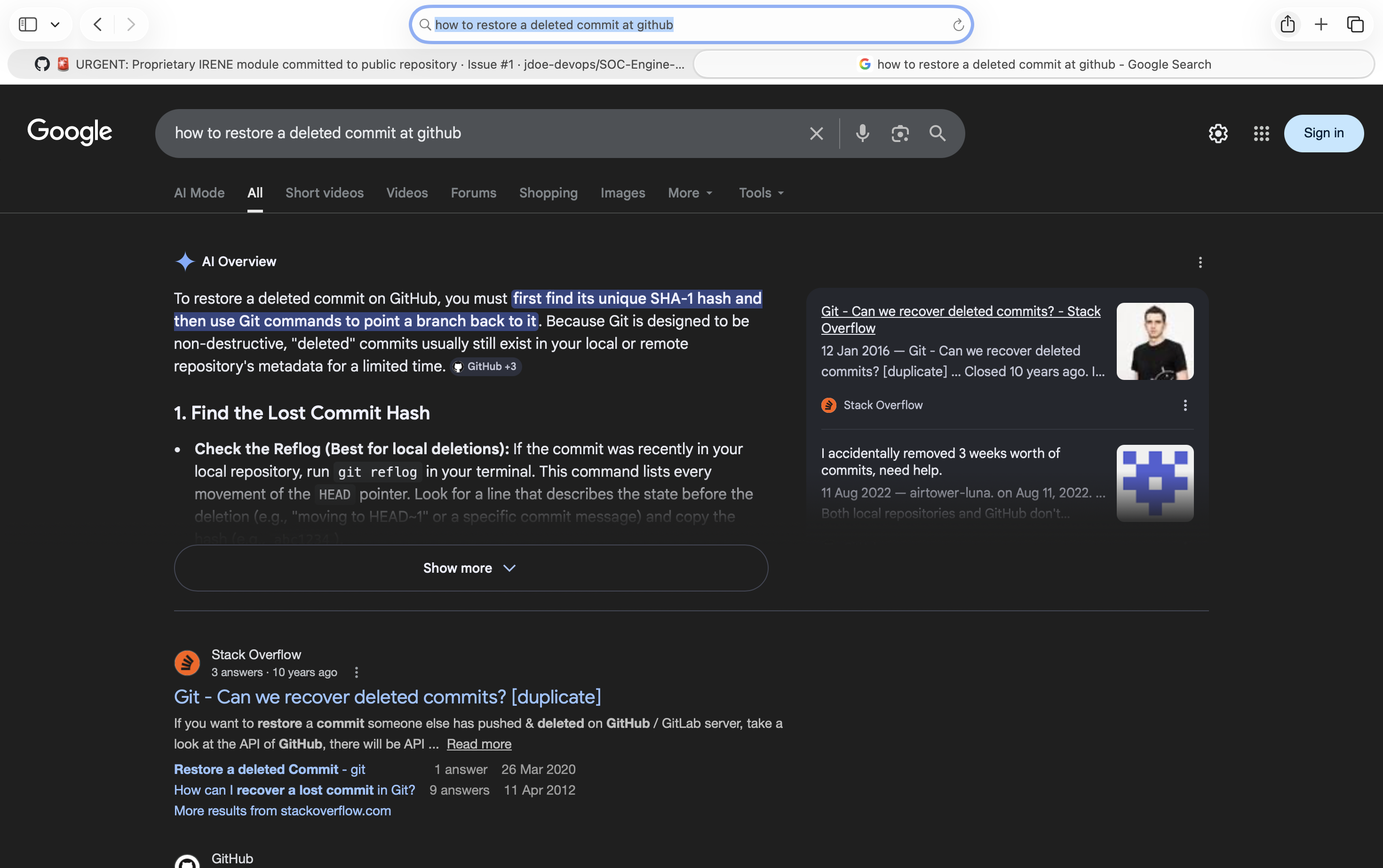
But now the issue remain, how do we get the commit hash to even browse it? A quick google search mentioned that either going through the git (if you have the repo before deleted) which in this case we don’t or going through the GitHub Events API.
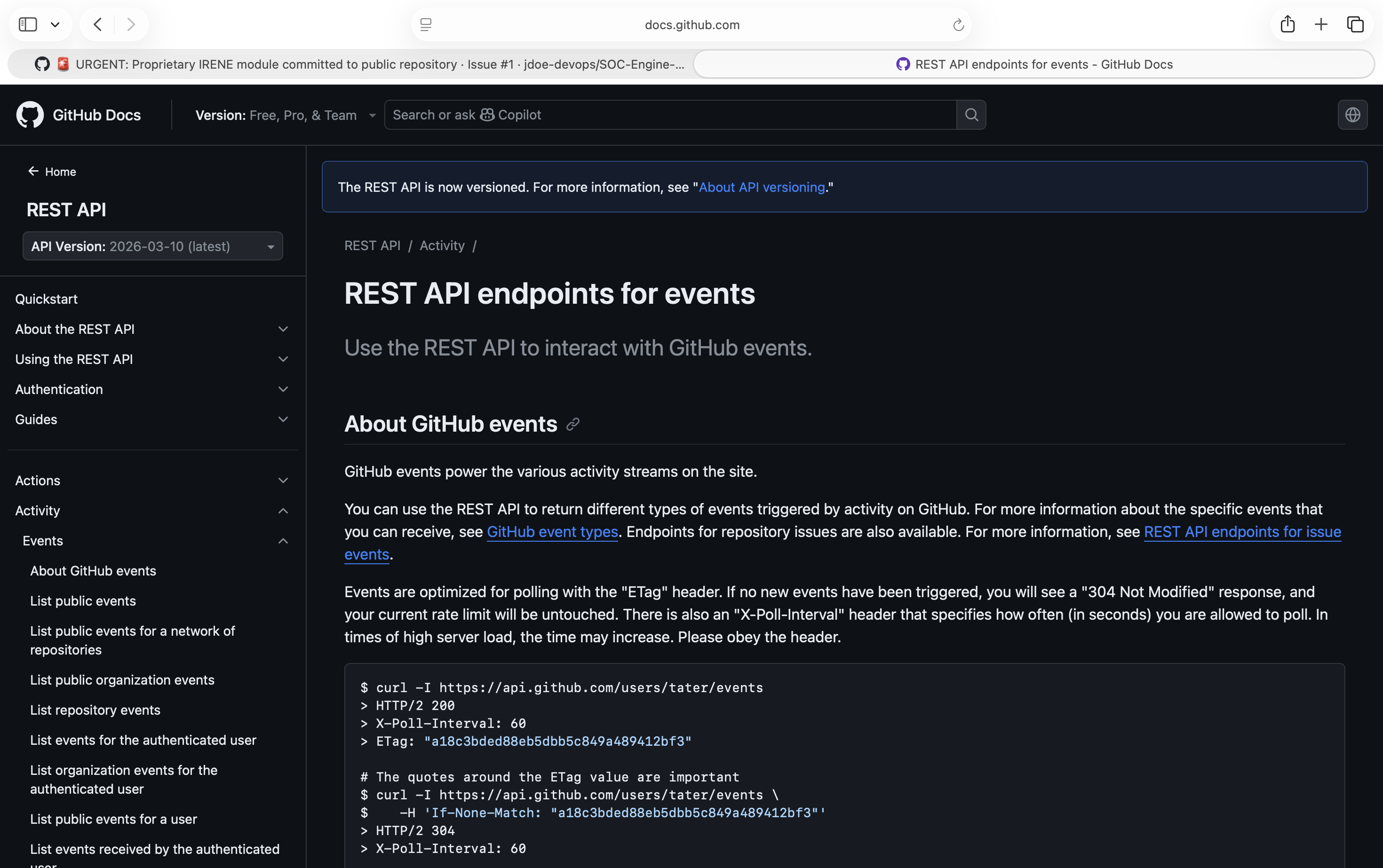
The challenge would be to find the API that correspond to get the correct commit. The API that you should be finding is the GitHub Events API that logs everything happens in a repo which includes git push action with their commits. The url would be https://api.github.com/repos/<user>/<repo>/events
Then the url would be [https://api.github.com/repos/jdoe-devops/SOC-Engine-Core](https://api.github.com/jdoe-devops/SOC-Engine-Core)/events . A quick curl command shows the events that is happening in the repo. We can quickly see via below screenshot that a issue was closed by Razif.
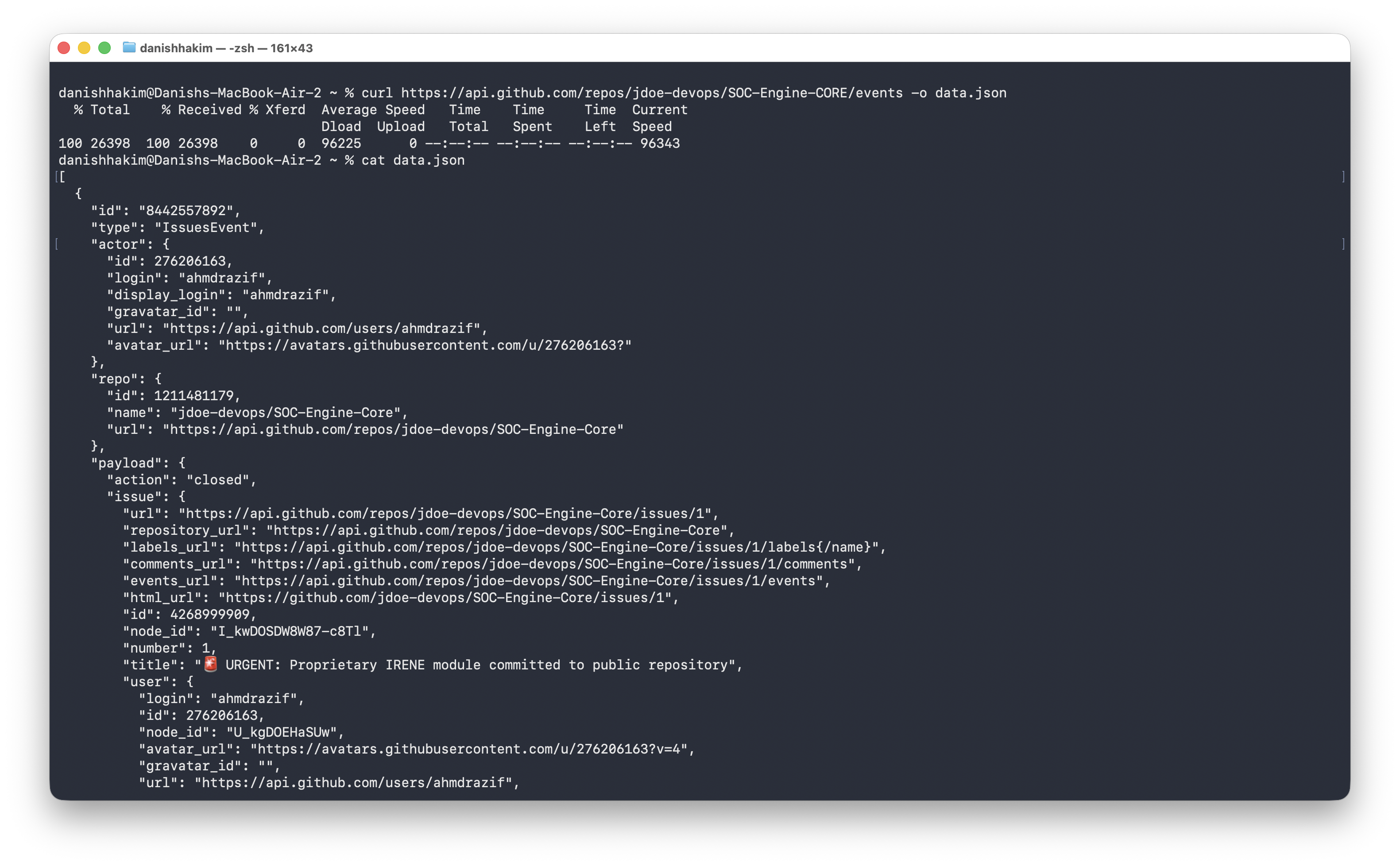
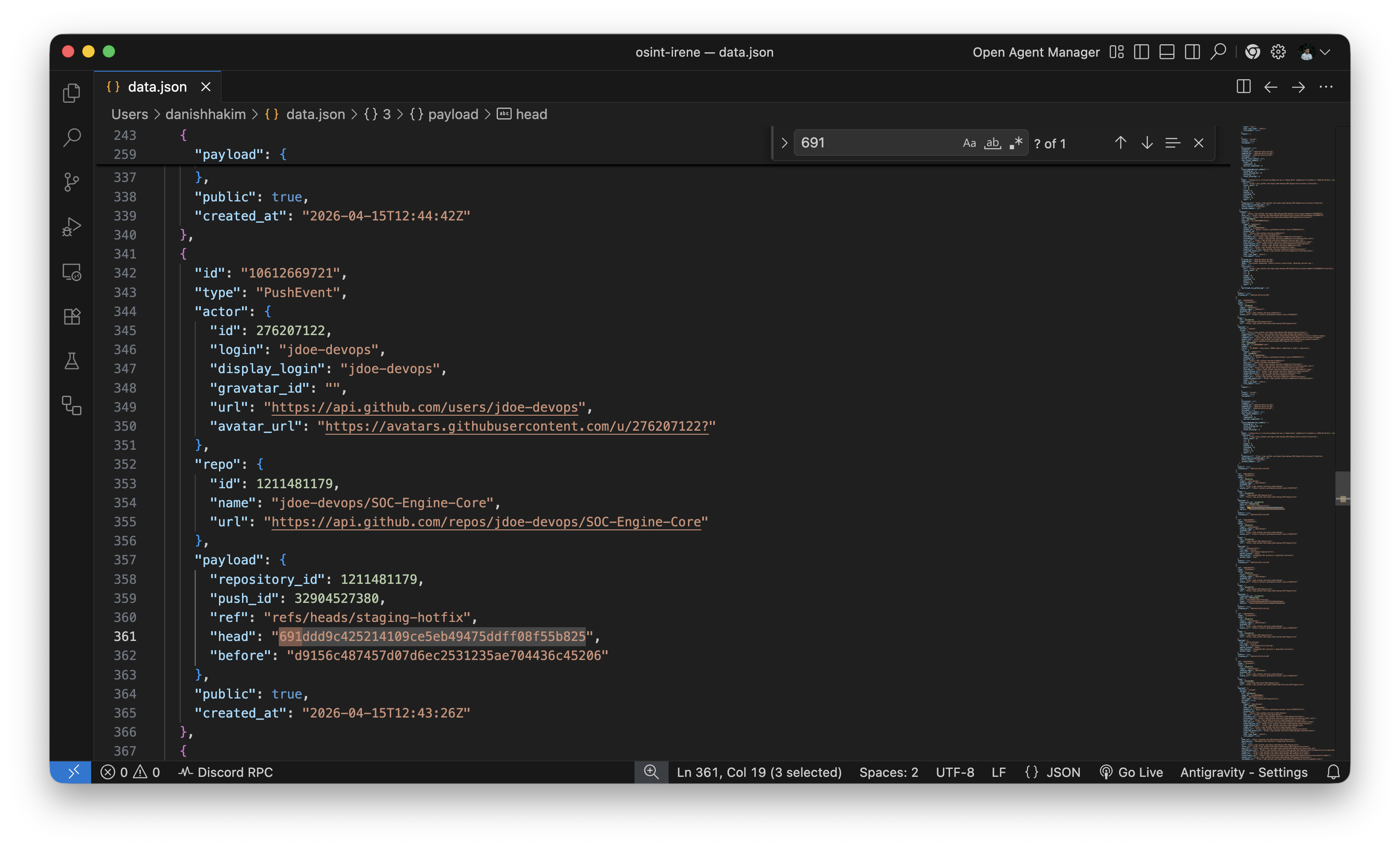
Now, we can use this to our advantage. We save that REST json and search through for a commit just before the force push
When searching for a commit on the staging-hotfix branch, we see a commit that was pushed before which is d9156c487457d07d6ec2531235ae704436c45206 . When checked, this commit is not referenced against the branch which indicate this is the branch that was force-pushed.
Commit hash shown here may not be accurate/correct due to the challenge being reset if there is still changes to be made. Instruction can be followed but don’t use this commit hash to navigate through.
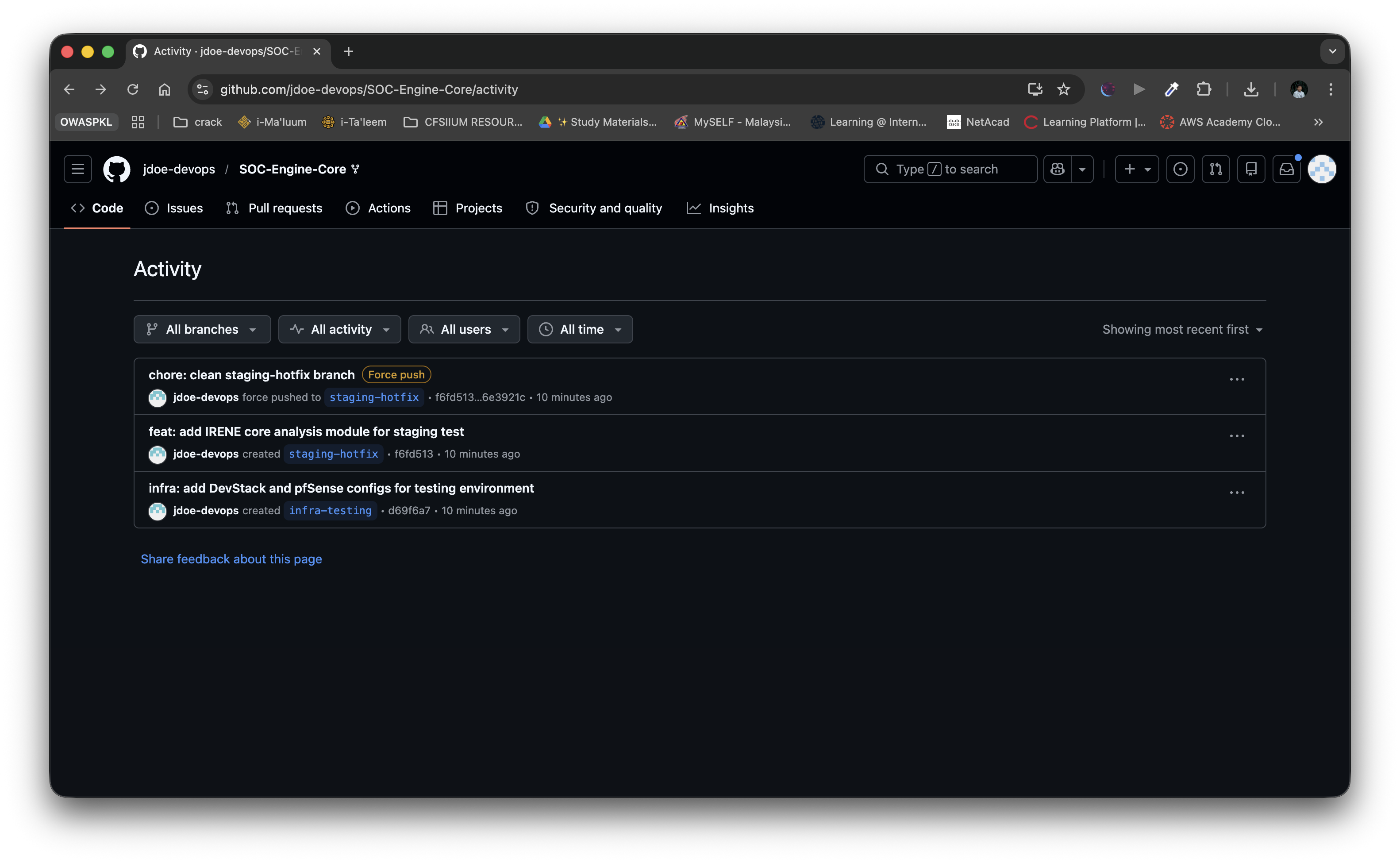
Just realized that there is another path of getting the commit hash. That is via the activity page of the repo. It allows you to see what commit actually being force-pushed against just like the API. By comparing changes with the commit before the force push, will bring you to the same page as below.
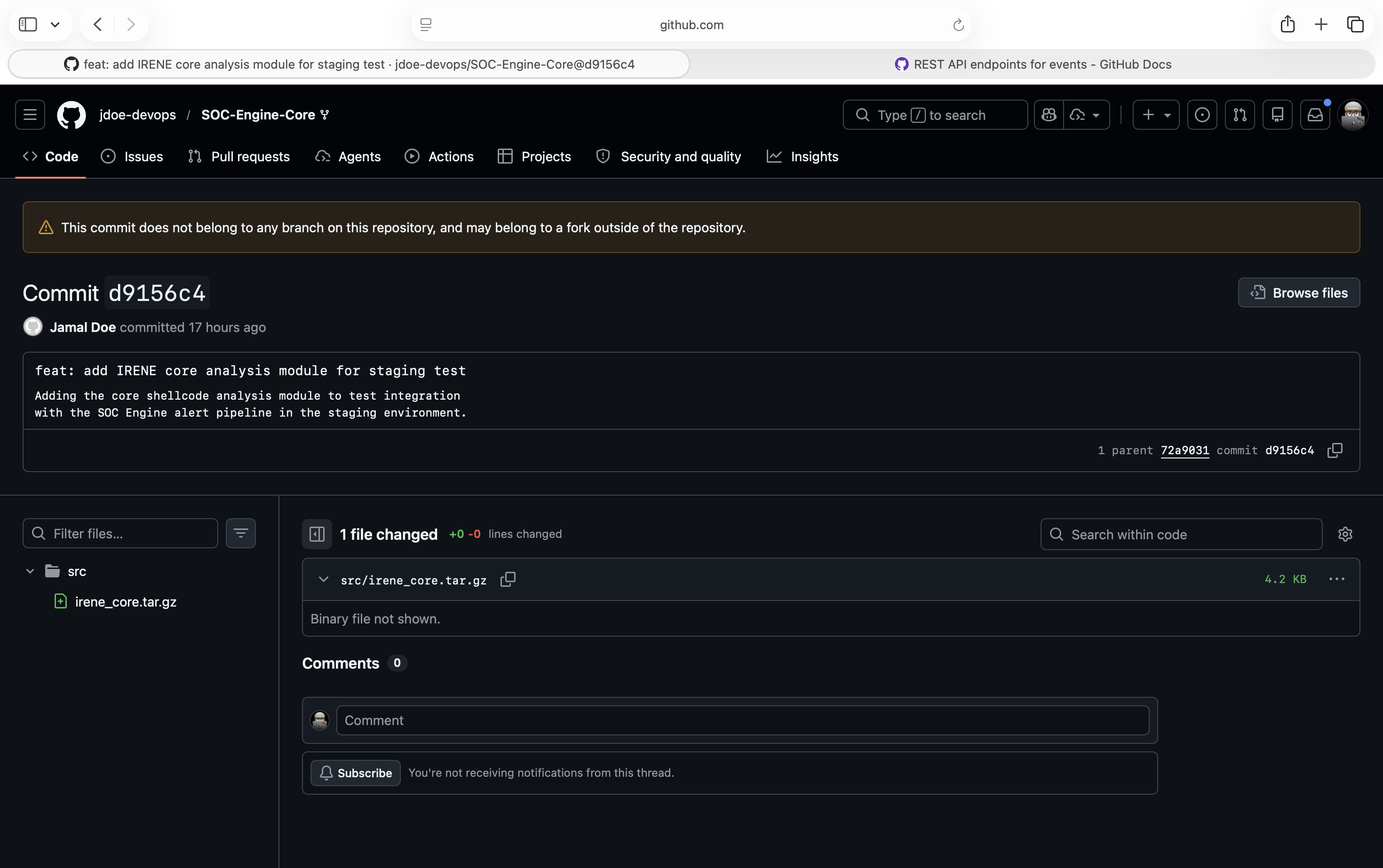
To access the url, we can use this url prefix [https://github.com/jdoe-devops/SOC-Engine-Core/commit/](https://github.com/jdoe-devops/SOC-Engine-Core/commit/d9156c487457d07d6ec2531235ae704436c45206)<commit-hash> to access it. Opening the commit shows that the GitHub warns that this commit does not belong to any branch in this repo which makes it better. Now we can just download this file RAW. By clicking the three dots, we can view the file on the commit and download the file.
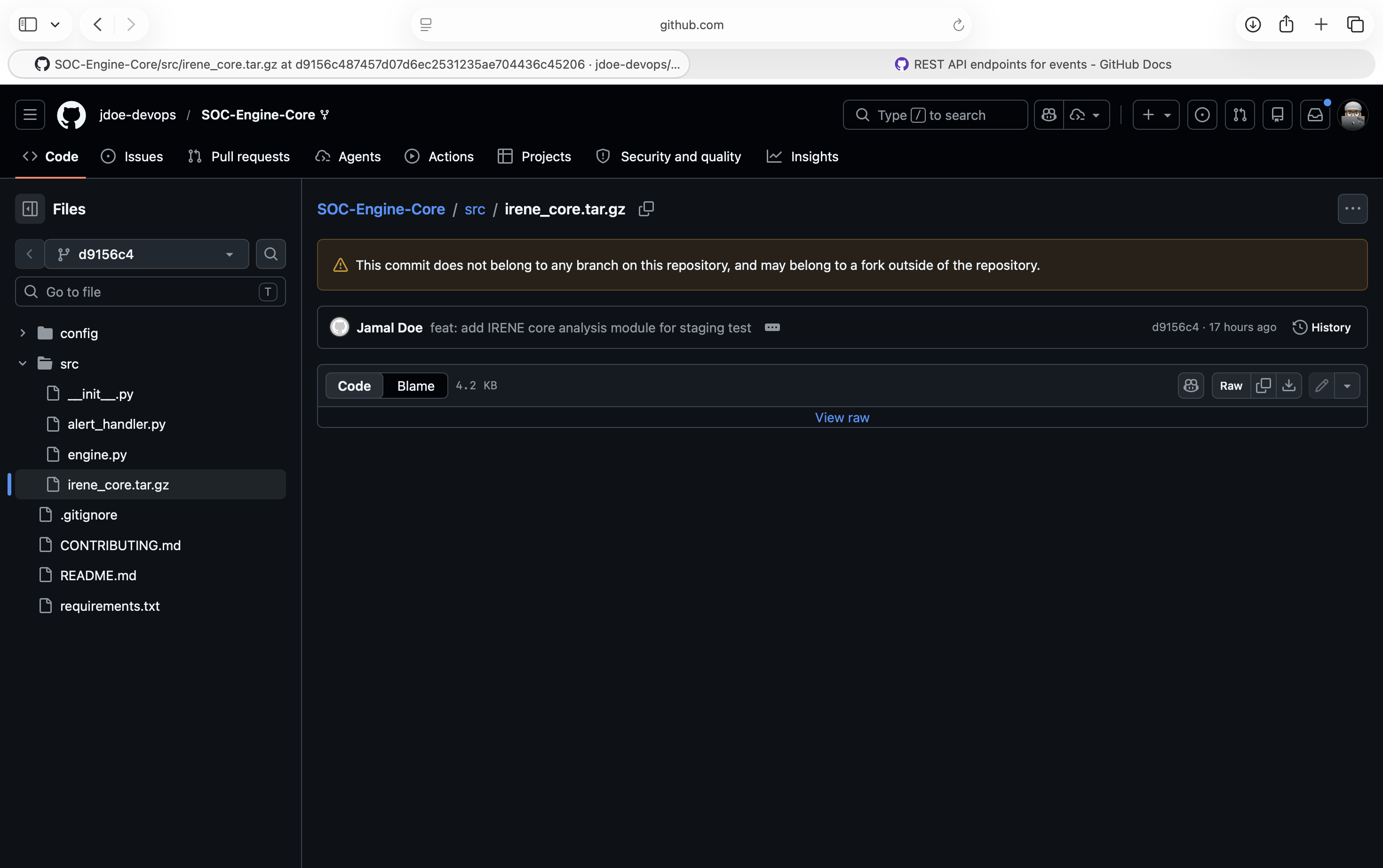
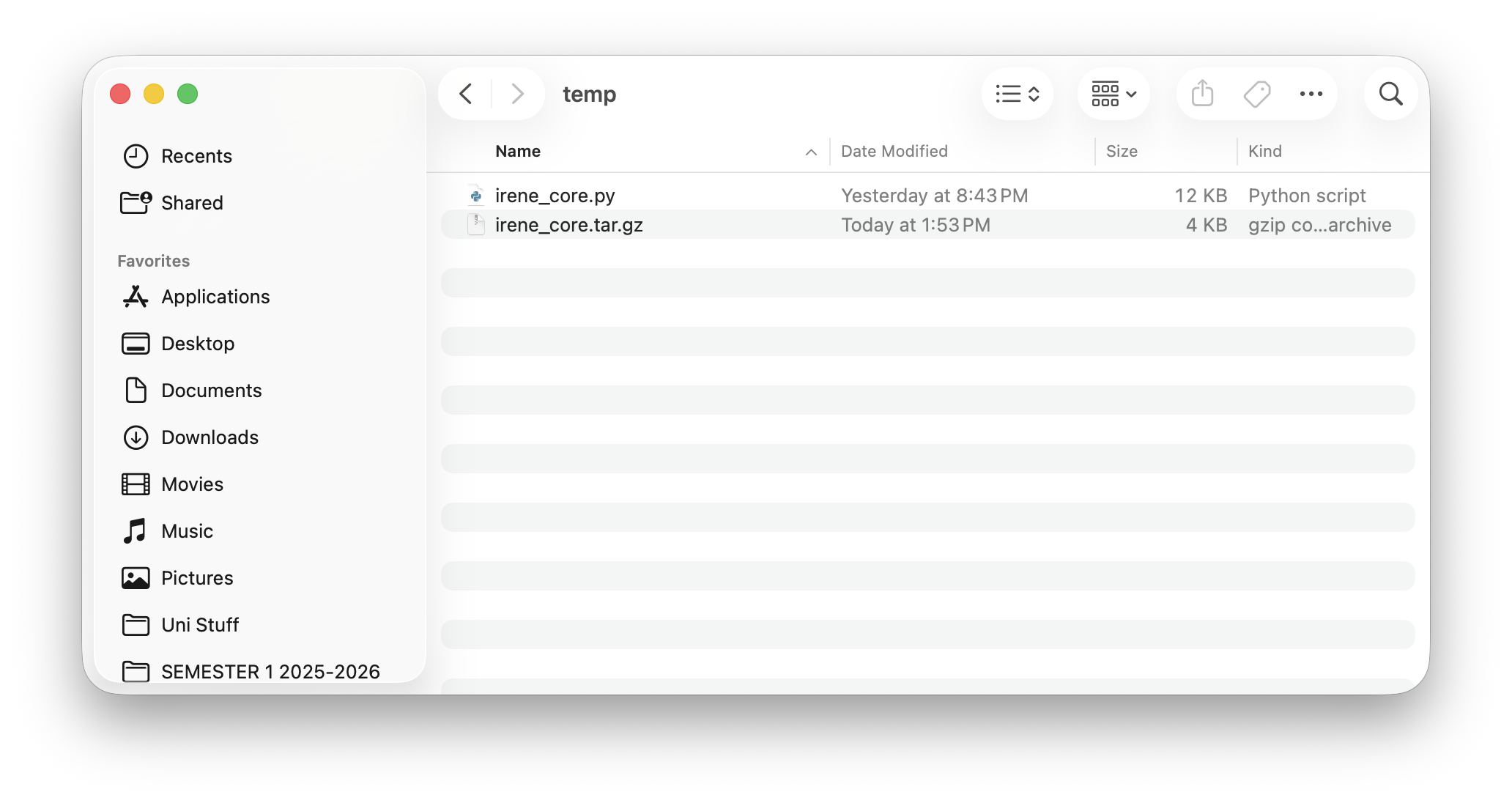
Extracting the file reveals a py script.
And opening the script and we can find our first part of the flag! OWASPKL{1r3n3_
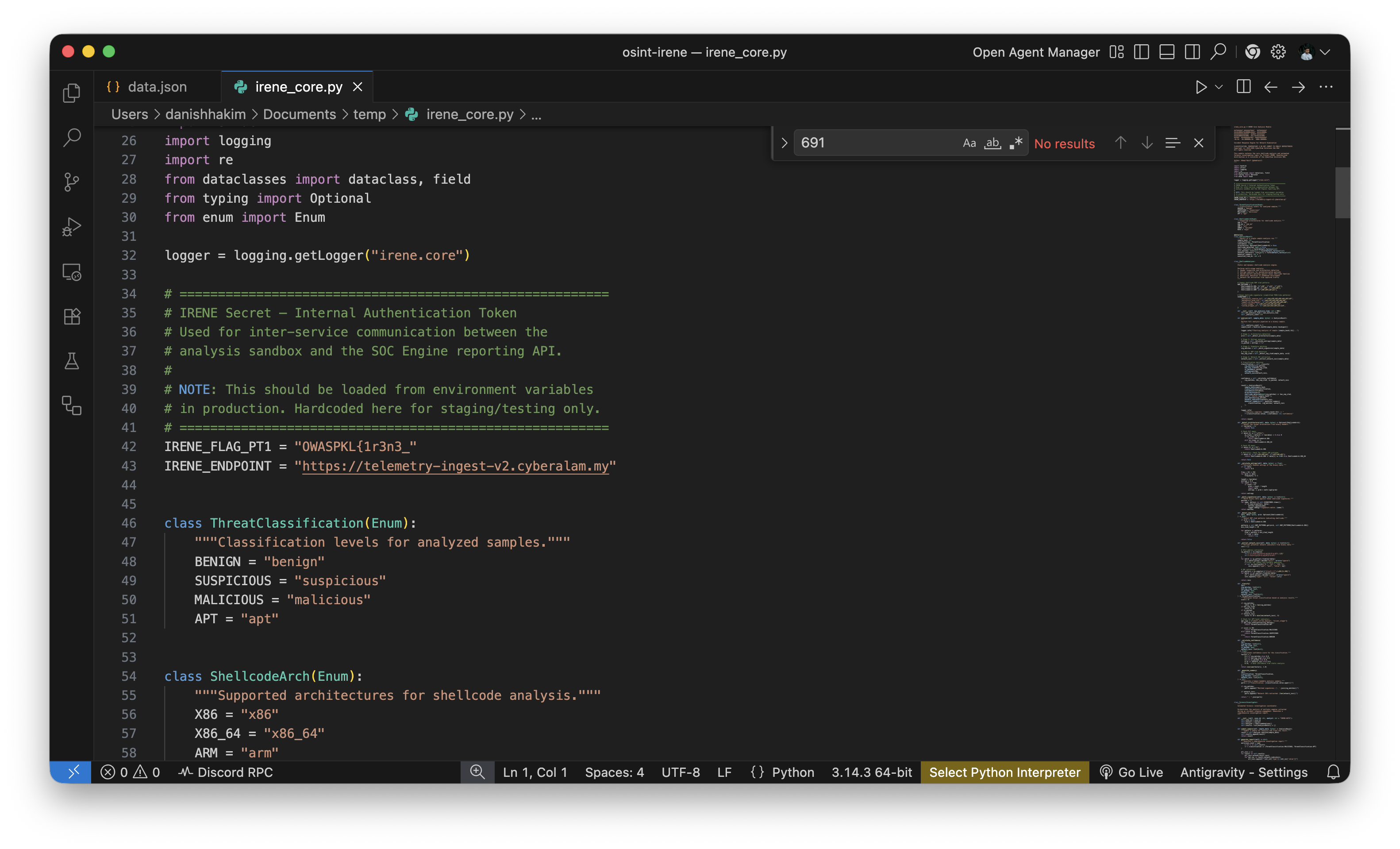
Also in this file contained the hint to flag 3 which is the endpoint url
https://telementry-ingest-v2.cyberalam.my. If players are smart enough to browse this link first, it will lead them to flag 3 first. But, let’s go to the second part of the flag.
Flag - Part 2
Now, we proceed to flag 2. Flag 2 requires players to check the developers social media to get this flag. If players stop till here from flag 1, they could find the hint to flag 2.
As seen before, we see that at the bio there is a reference to his mastodon account.
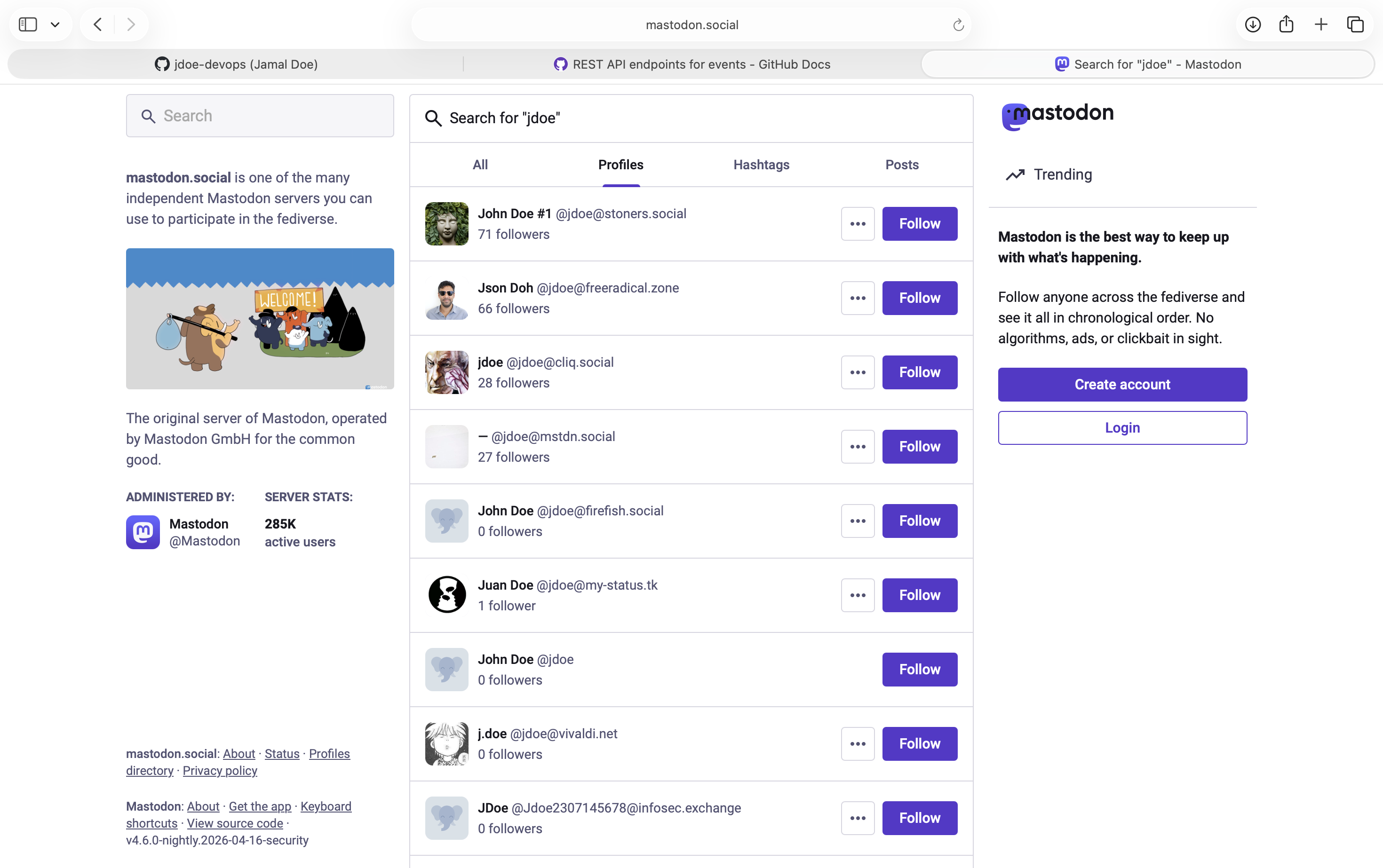
But if directly using mastodon’s official server, you wouldn’t find the account. Thus, the hint is using vague words mastodon server(s) . Since mastodon is a decentralized platform with multiple server, players has to search each of the servers to find the account. The username is also using not the exact same.
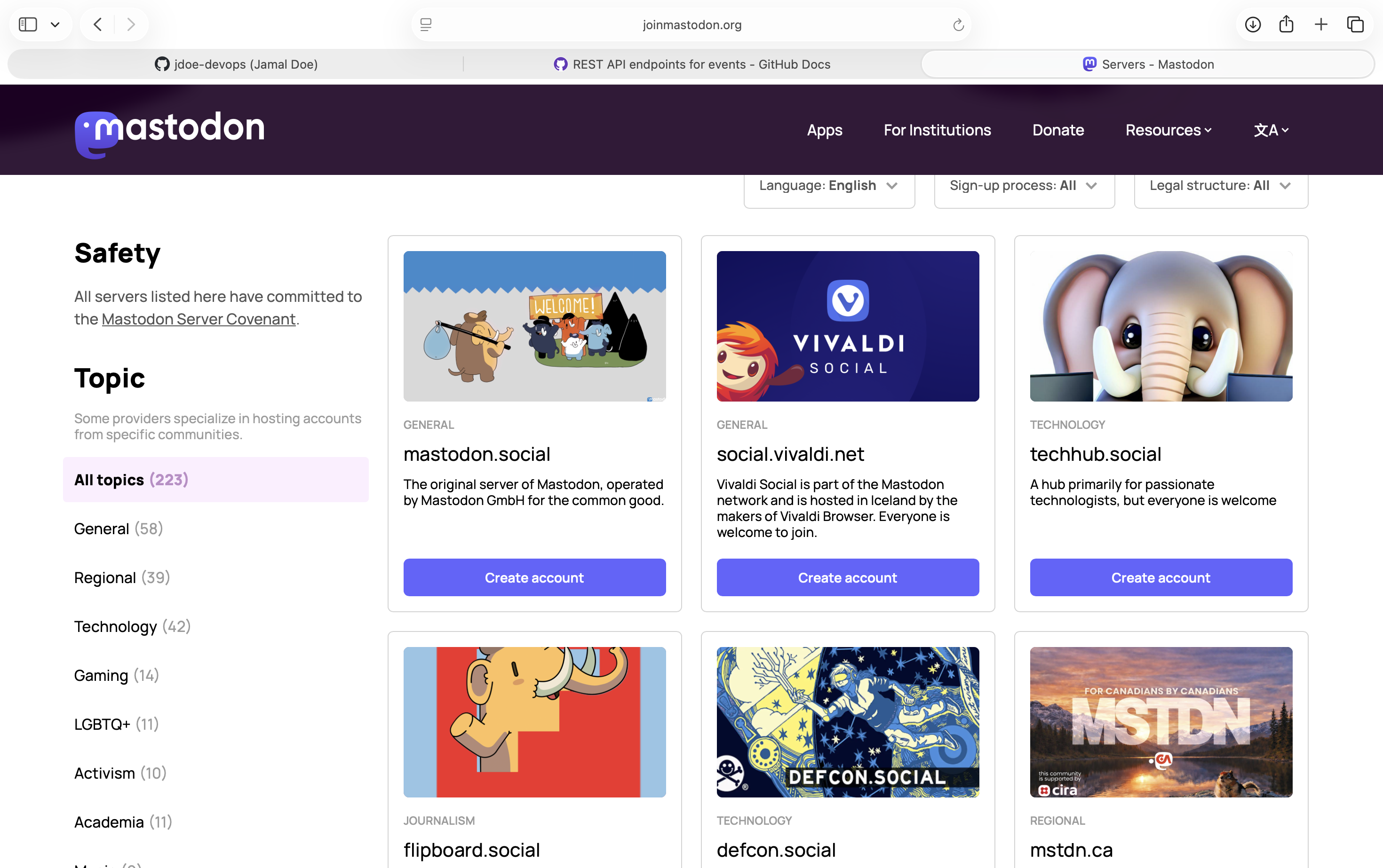
To search for it, users will need to find a directory of servers, the easiest would be to use this joinmastodon .
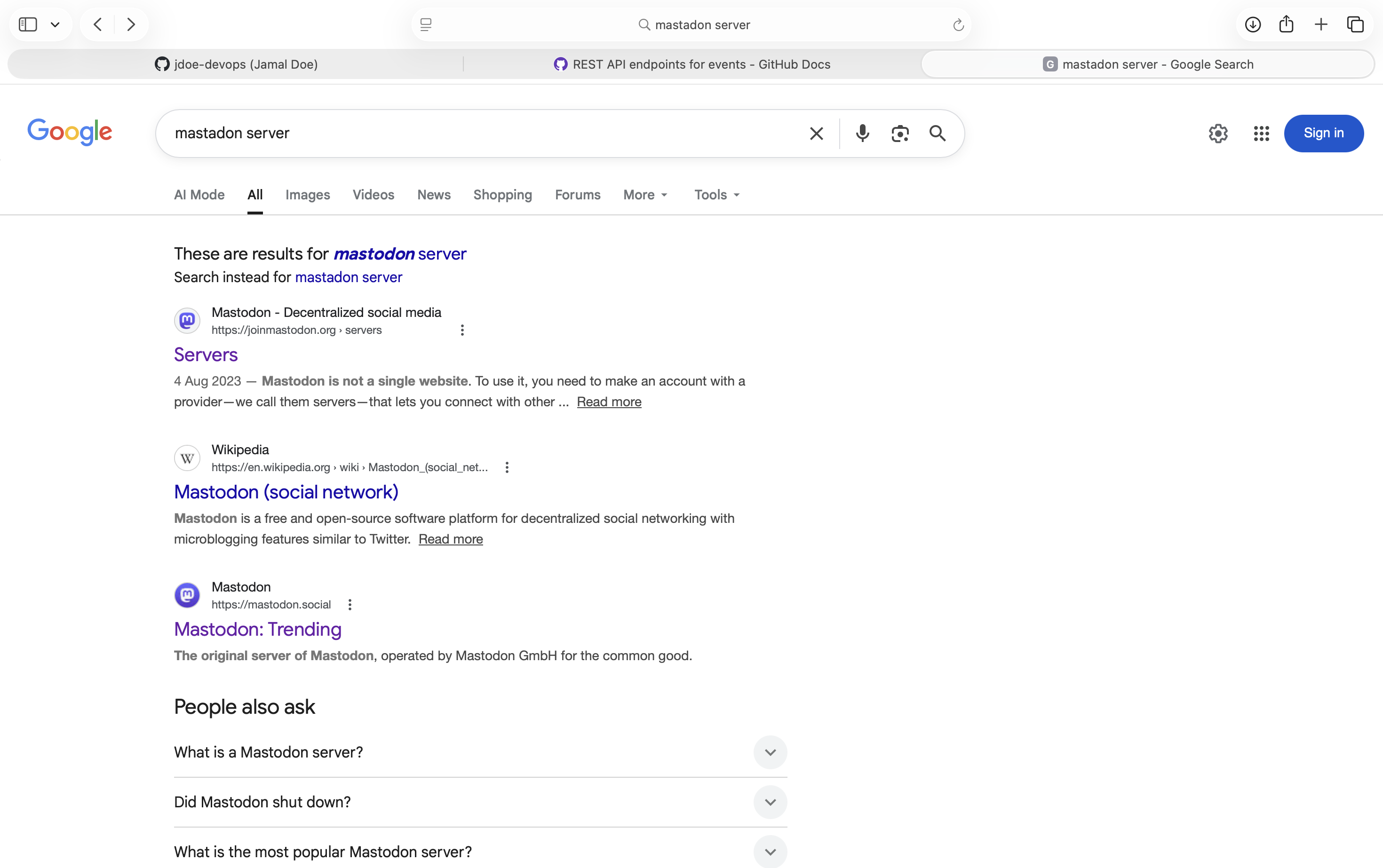
Using this directory, we can see many of the servers where mastodon’s servers are hosted. To make the challenge not to challenging, I opt to use a tech related mastodon server called techhub.social .
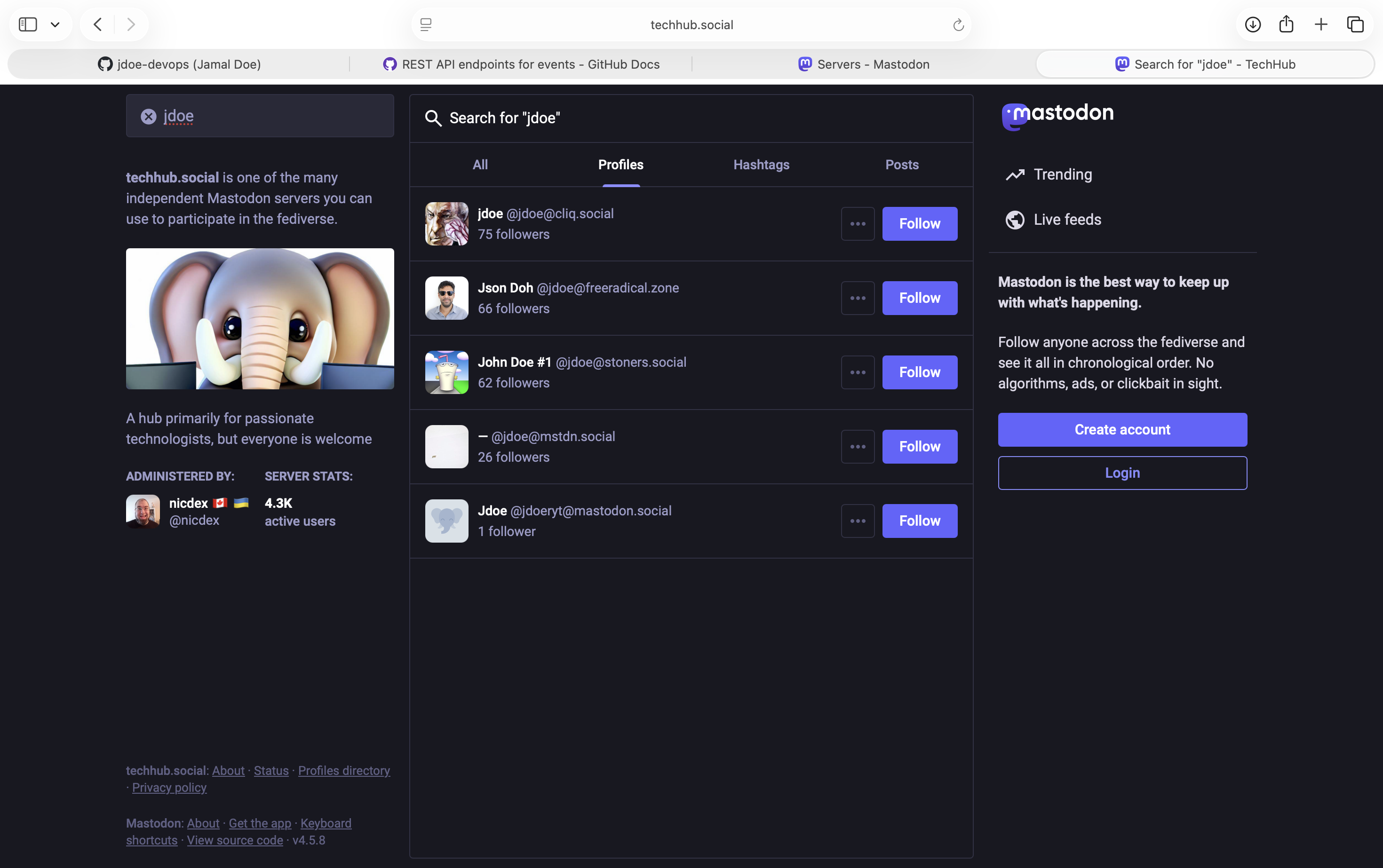
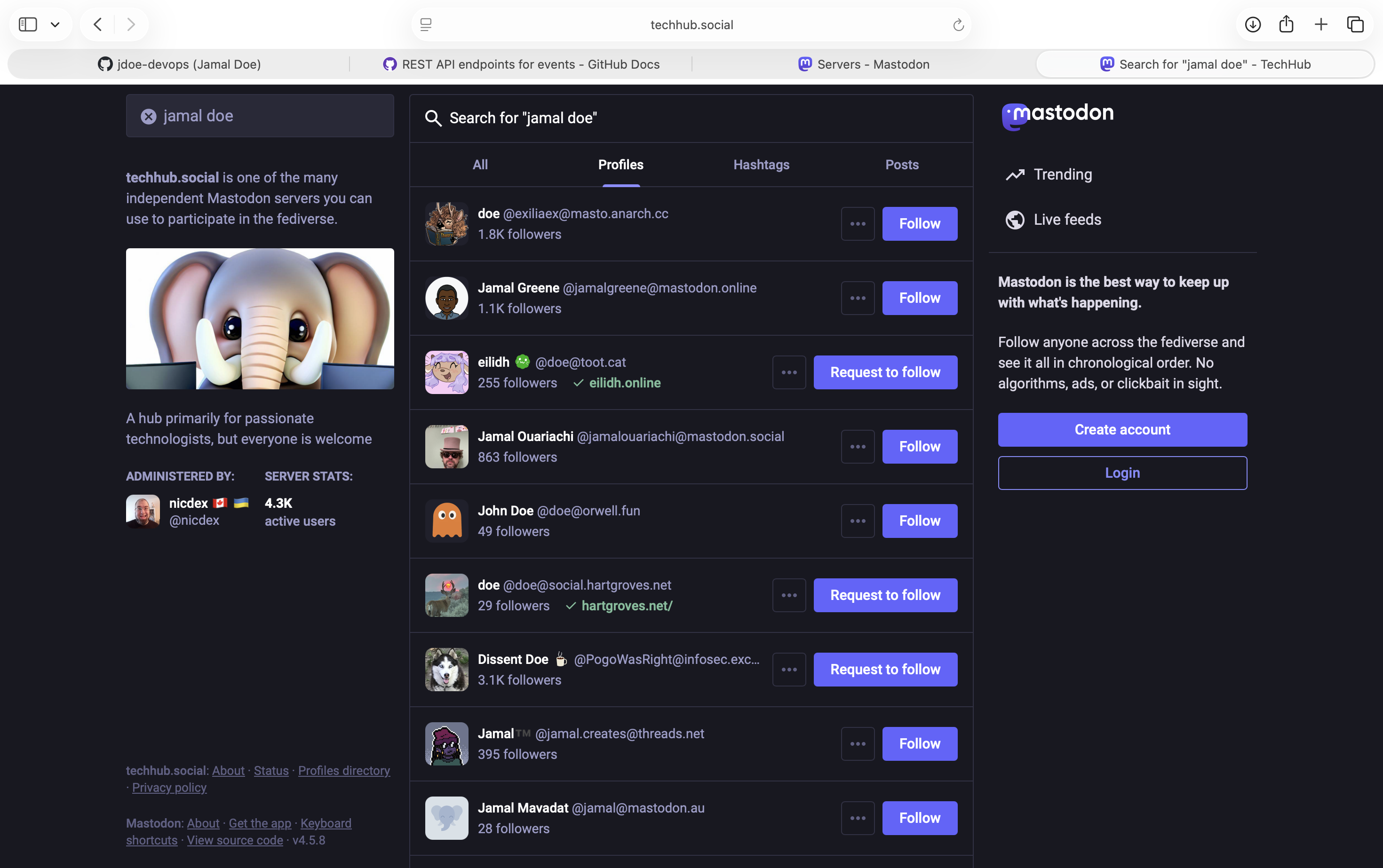
Searching directly the same already proved hard by needing to guess what the username is because the search it is sorted by followers.
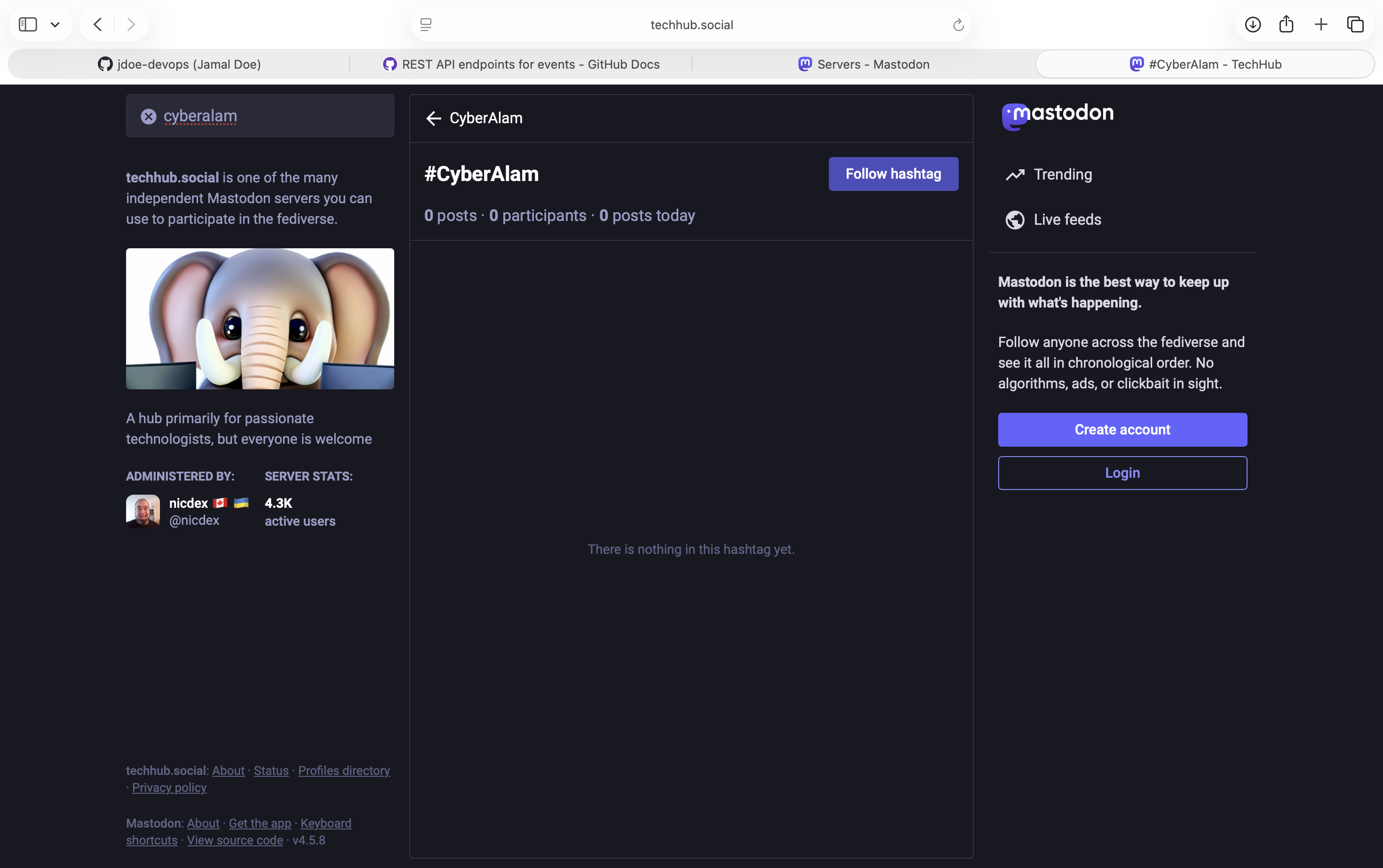
But searching using hashtags for cyberalam shows that someone use the hashtags before.
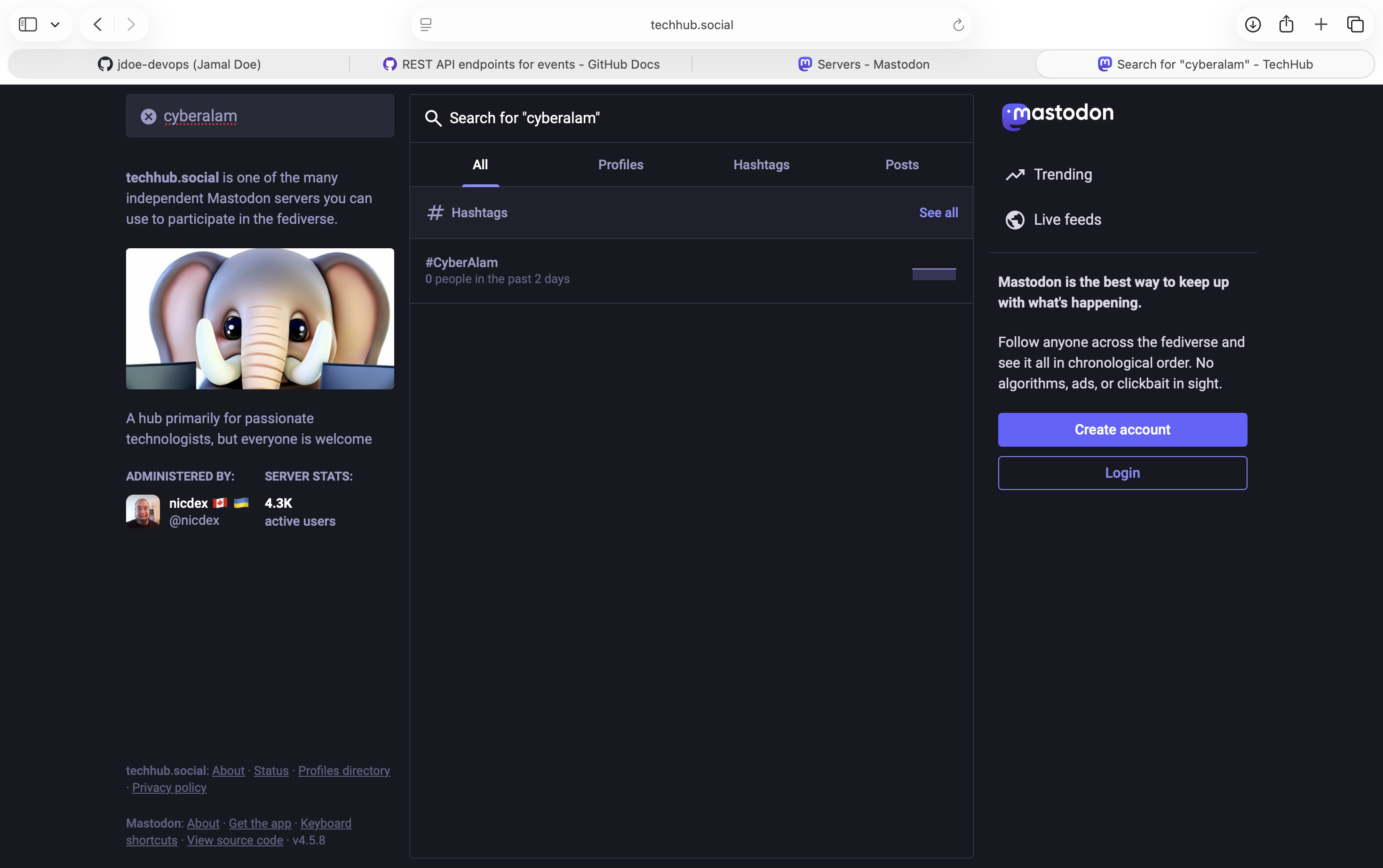
But, click through it shows nothing. Here, you might need to create an account to get better search results.
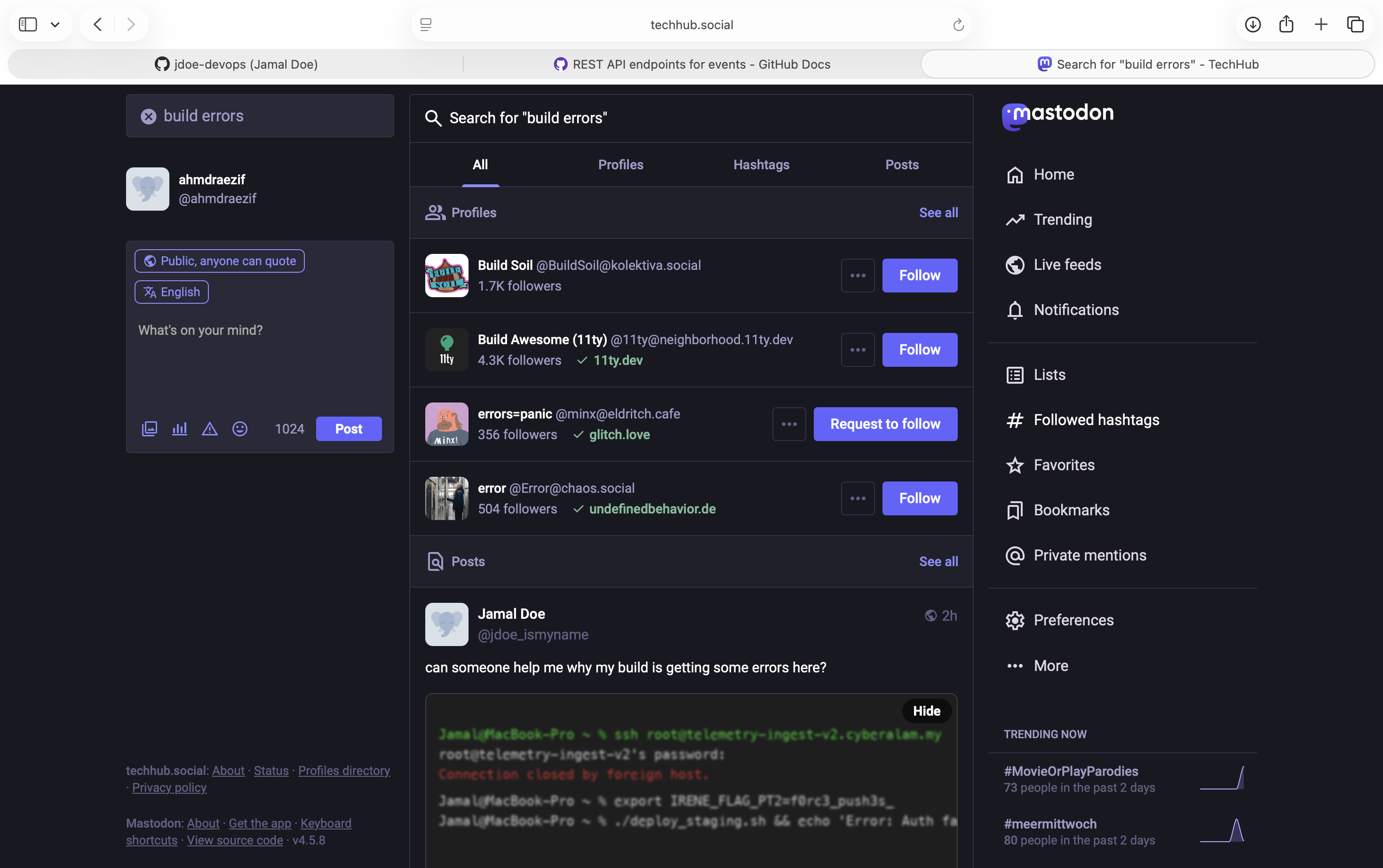
After login and searching for it again, you will the the post by Jamal with the build errors.
Opening the post, you will see a blurred terminal image with the second flag here. f0rc3_push3s_
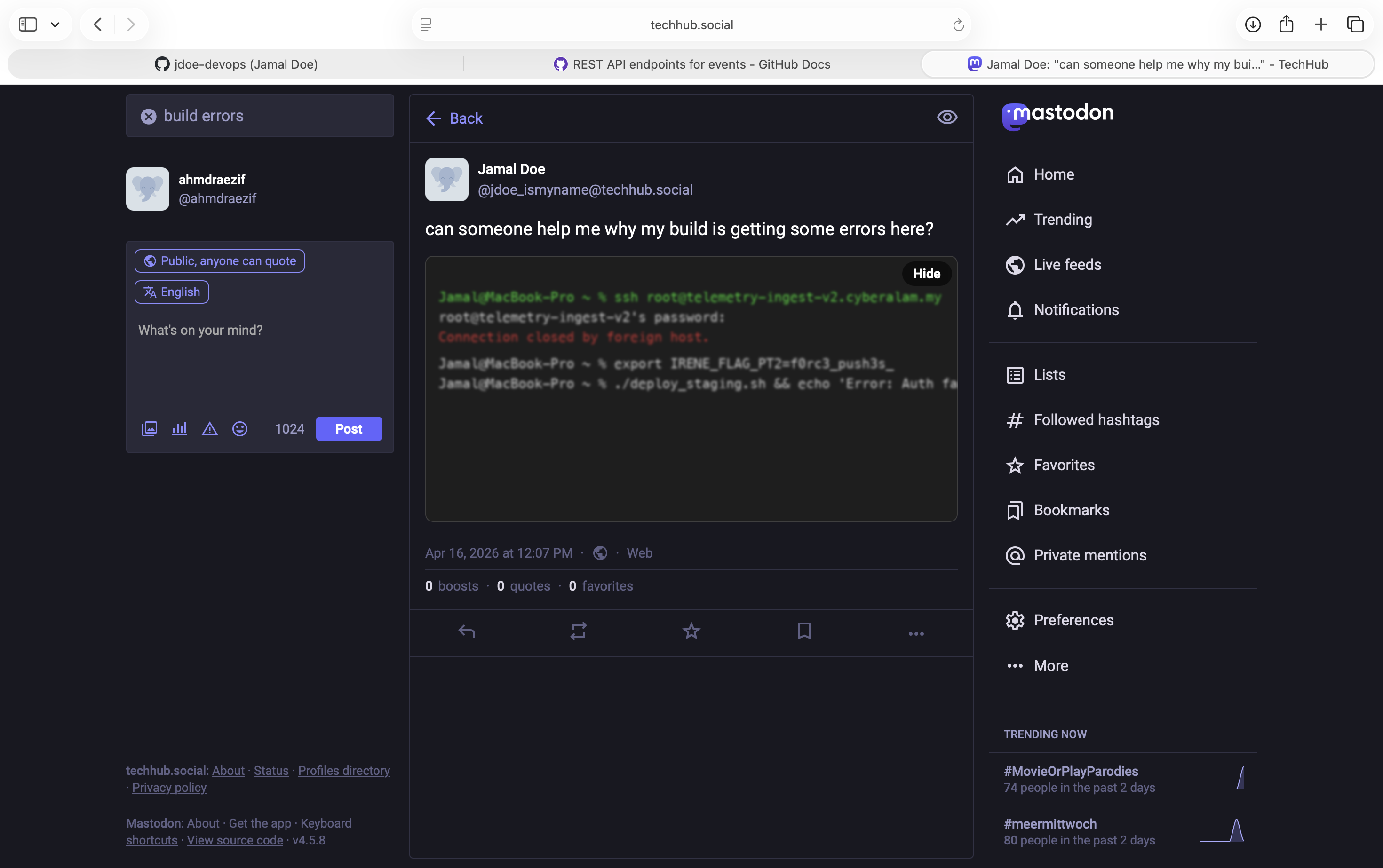
This part also contains the hint to the flag 3 which is
telemetry-ingest-v2.cyberalam.my
Flag - Part 3
For the last part, we can use the hint retrieved before which is telemetry-ingest-v2.cyberalam.my .
If we go directly to this url, it says that it can’t find the server. What this usually means that the dns is not being set for this url. If DNS were set, then it will says server error instead.
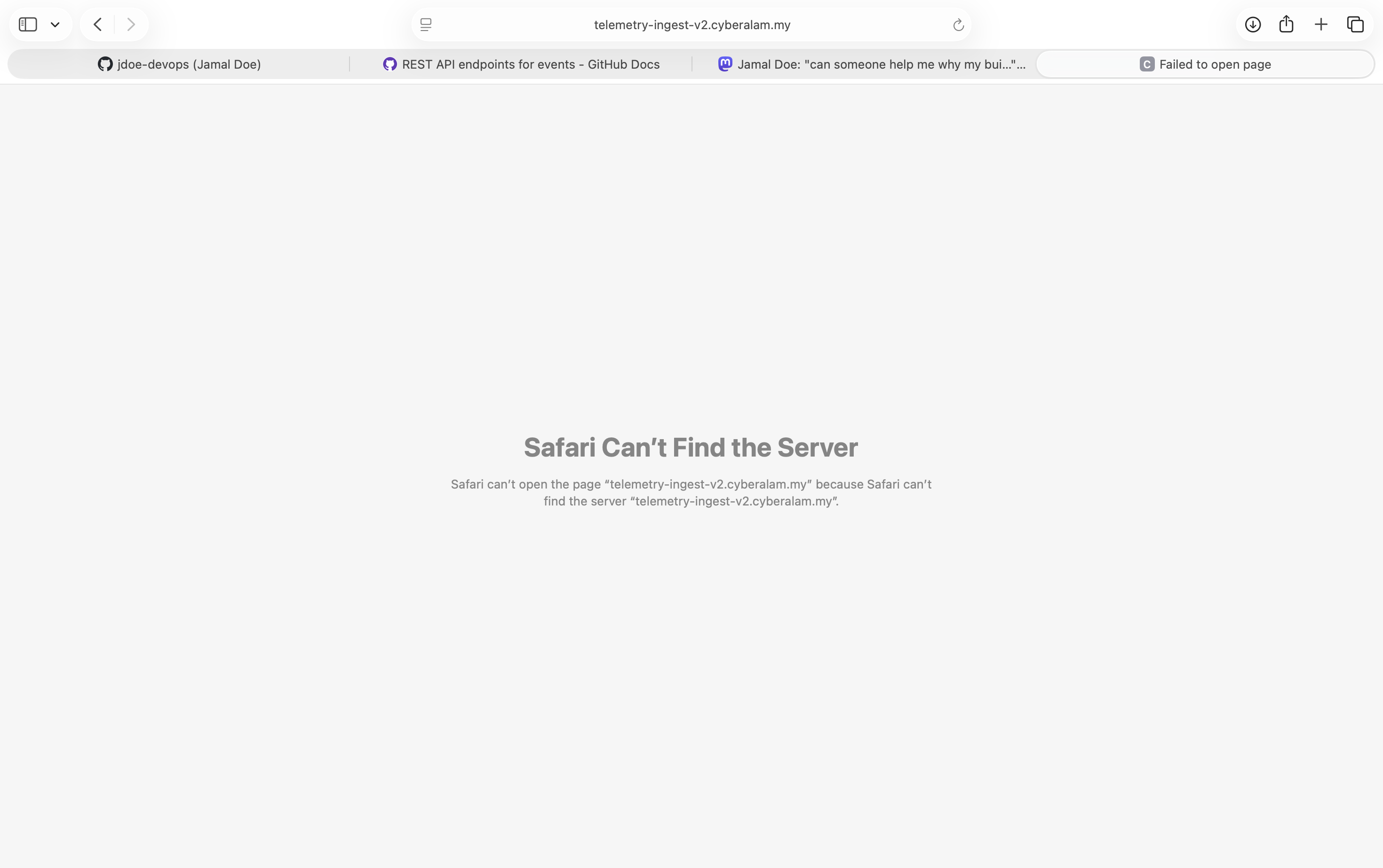
Using any DNS lookup tool, you will see that no DNS has been setup for this subdomain. Perhaps may be deleted. But, that’s maybe the hint.
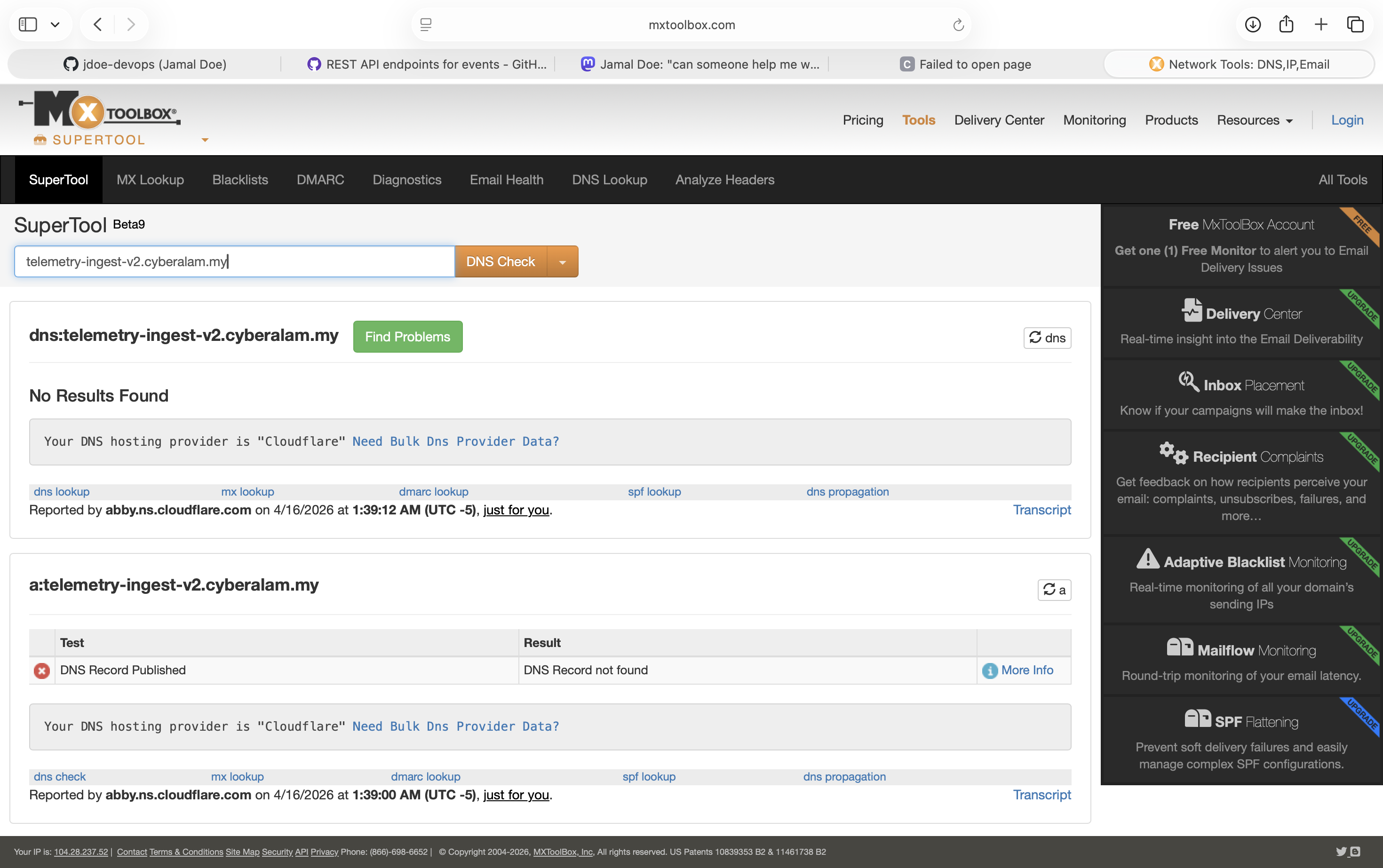
One other thing players can check is the SSL certificate. If the site has existed before, you might able to check the SSL certificate. SSL certificate has a publicly viewable database where you can search for domain if it has existed before.
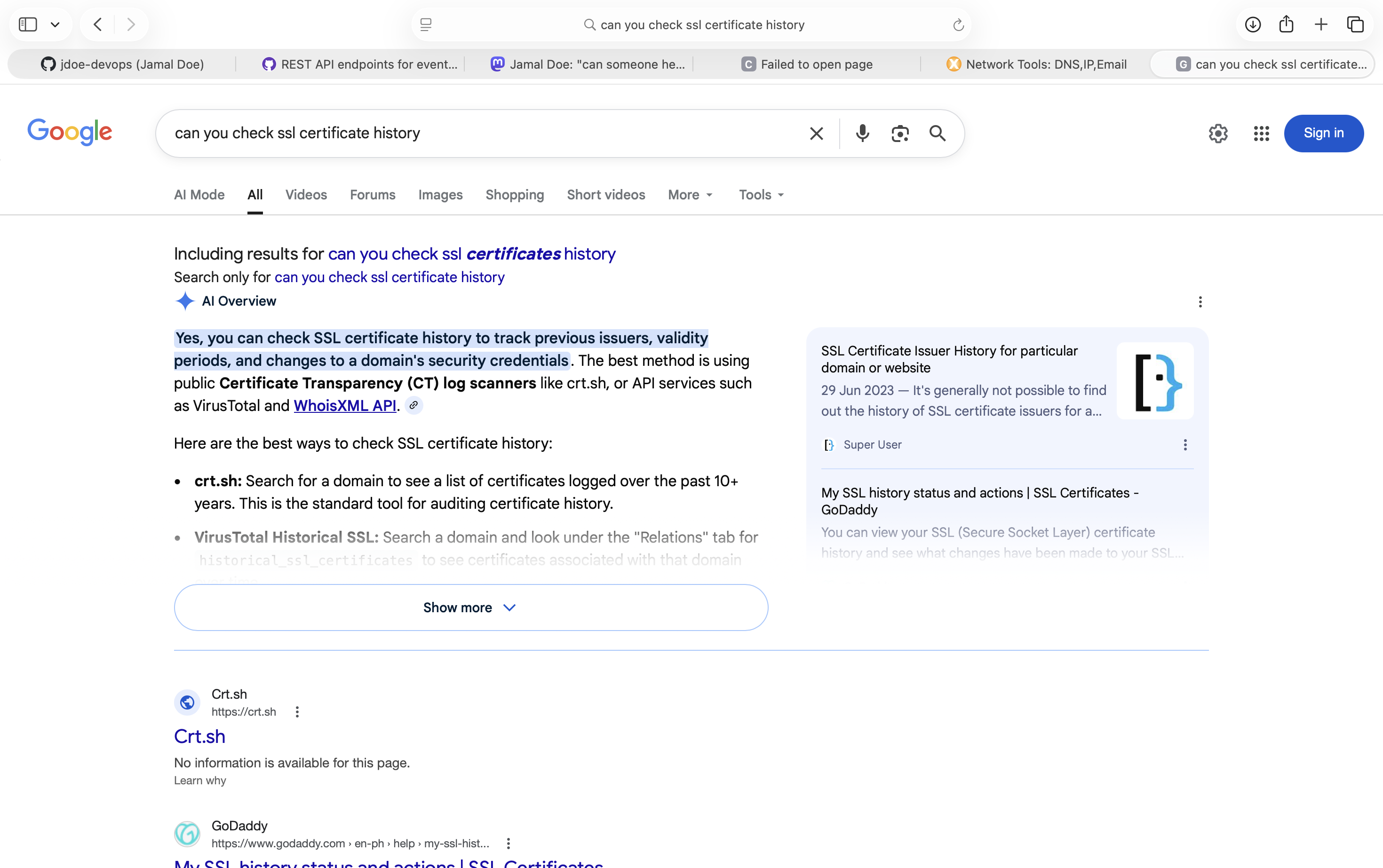
You may ask, if using wayback, is it possible? Because the server were took down quickly, you wouldn’t find it.
Tools like crt.sh can be used but it has some issues. There is a lot of tool can be used such as merklemap.com also allows us to search through it.
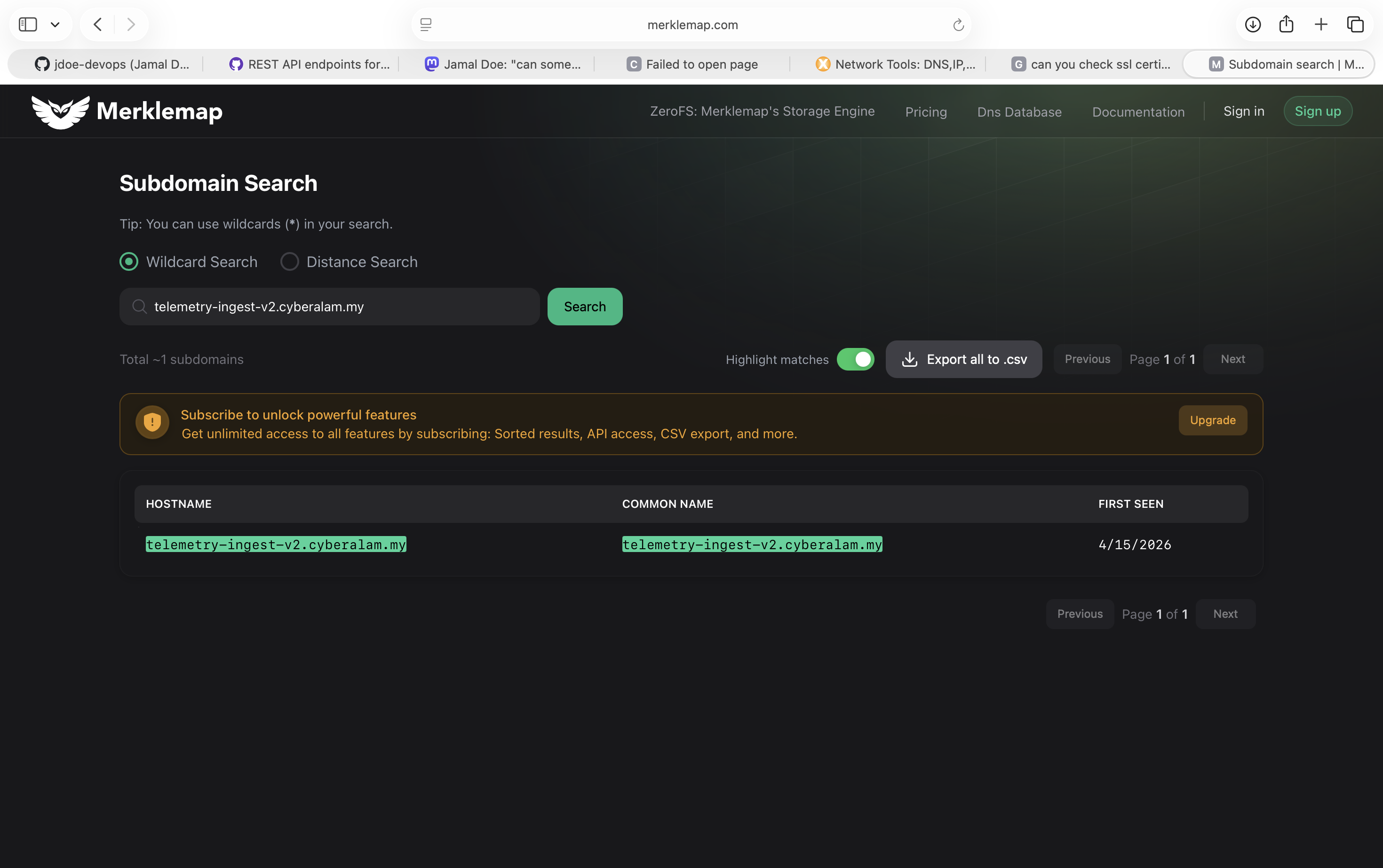
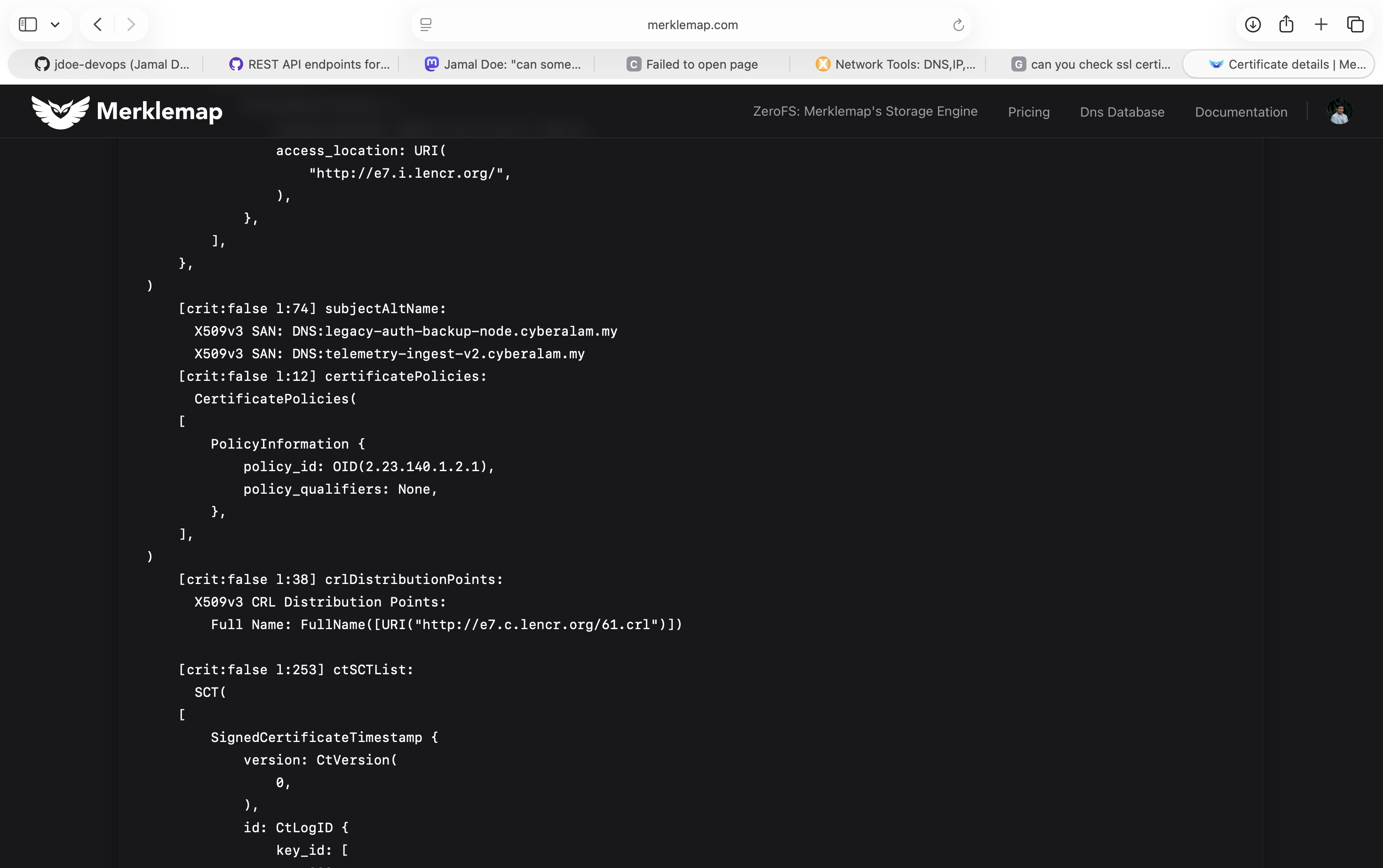
Searching through merklemap, we can see a cert being assign to the domain. Clicking at the URL to get this cert shows as follows. Merklemap requires login first to use, but crt.sh does not but less reliable. Now we see that, we have two certs being deployed.
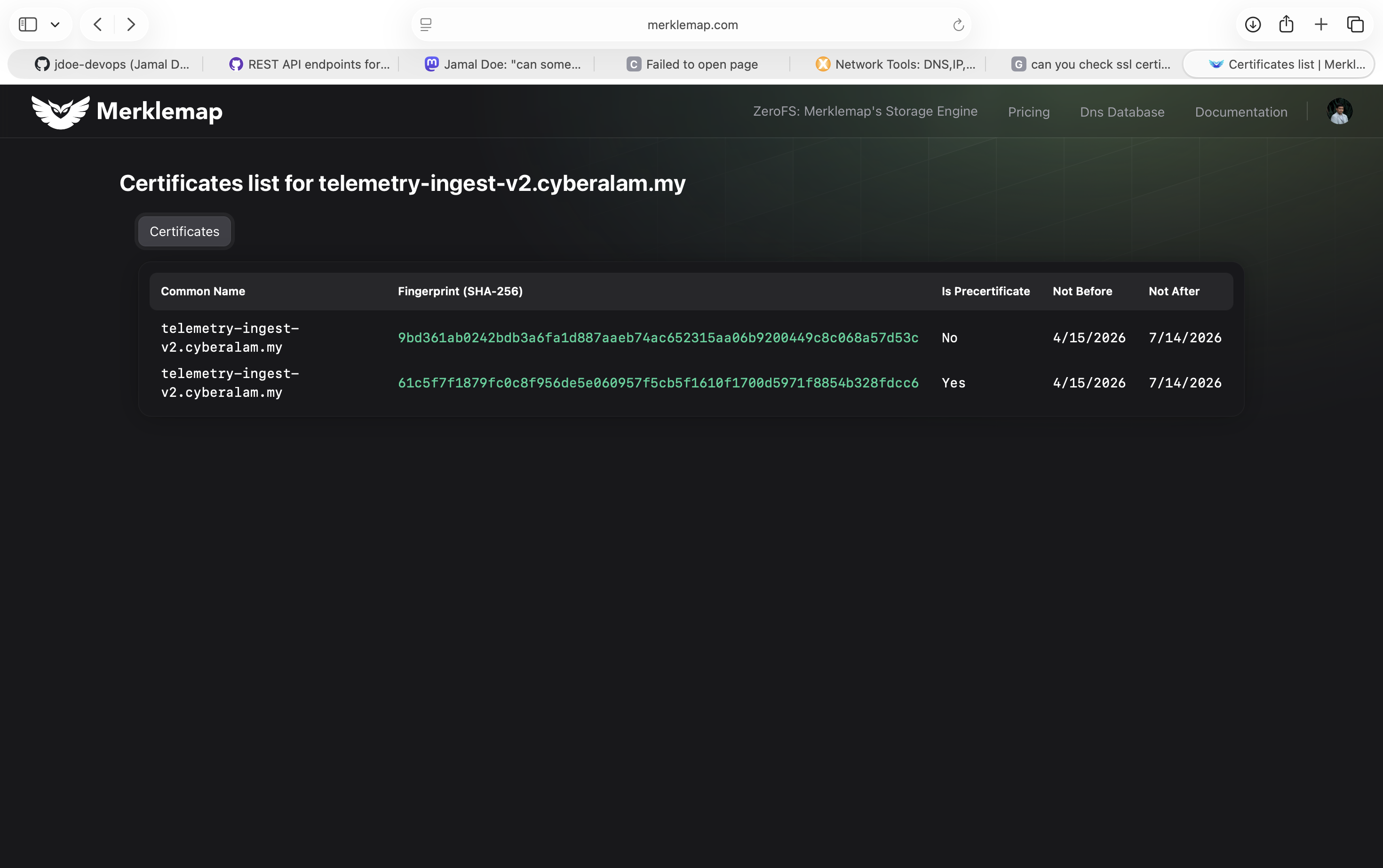
By going through both cert, we will see that another DNS entry being published with this cert that is legacy-auth-backup-node.cyberalam.my .
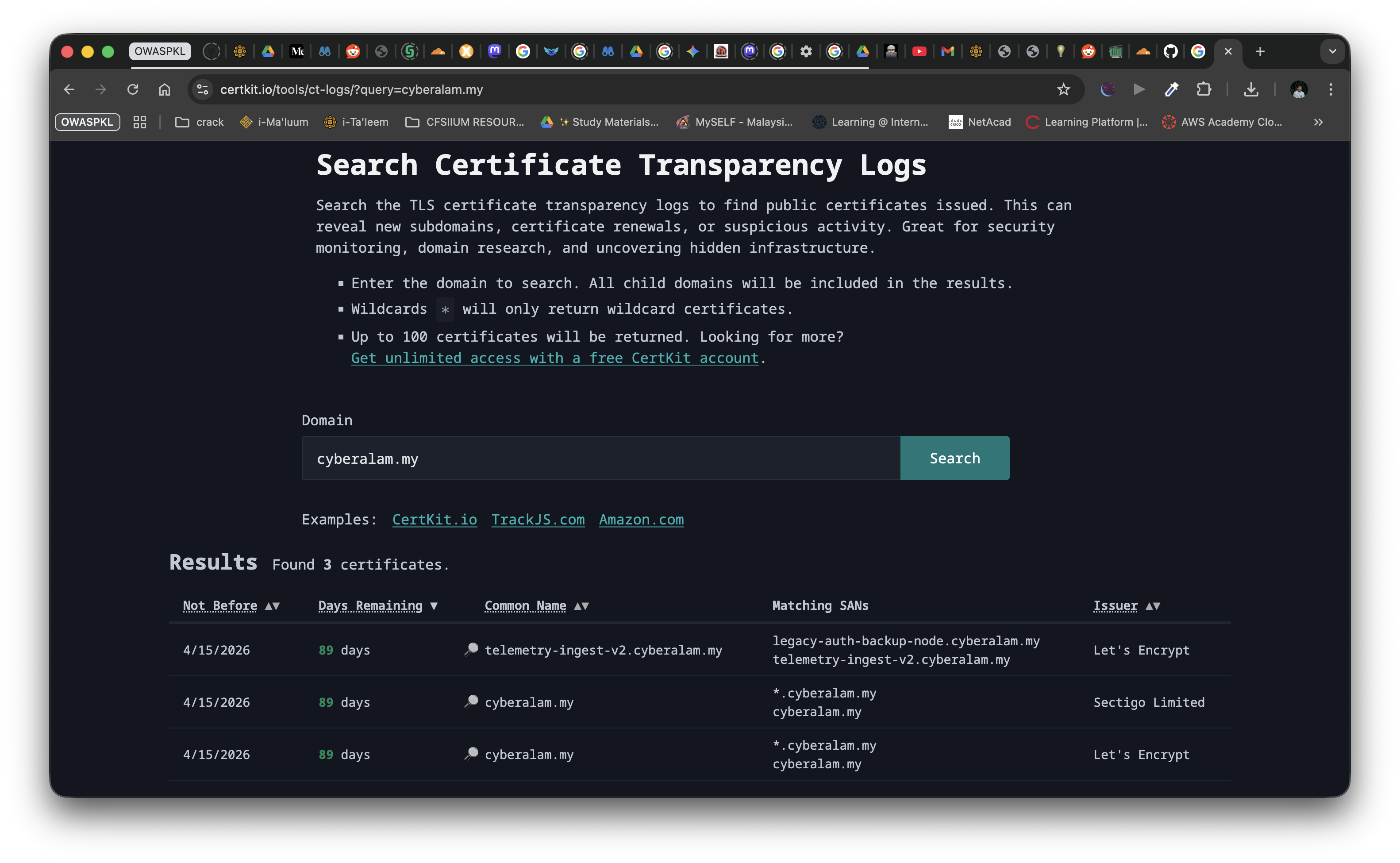
Other alternative site like certkit.io is also available to use with much simpler and straightforward to get the domain.
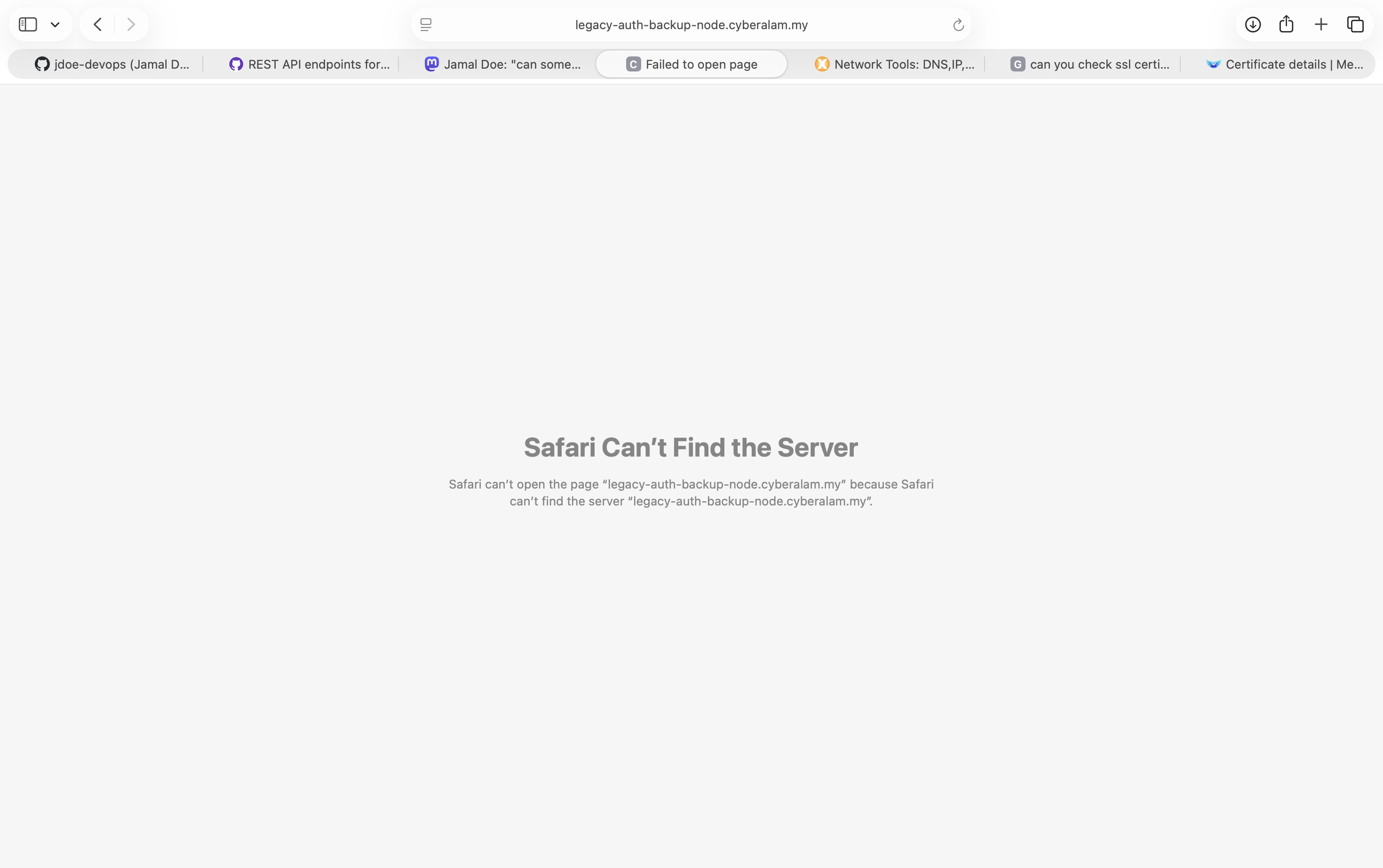
Again going to the link again will meet the same error as before which proves the DNS entry is gone as well.
Here I remembered that we can go take a look at history of DNS. There is a lot of tools online that stores DNS history like wayback.
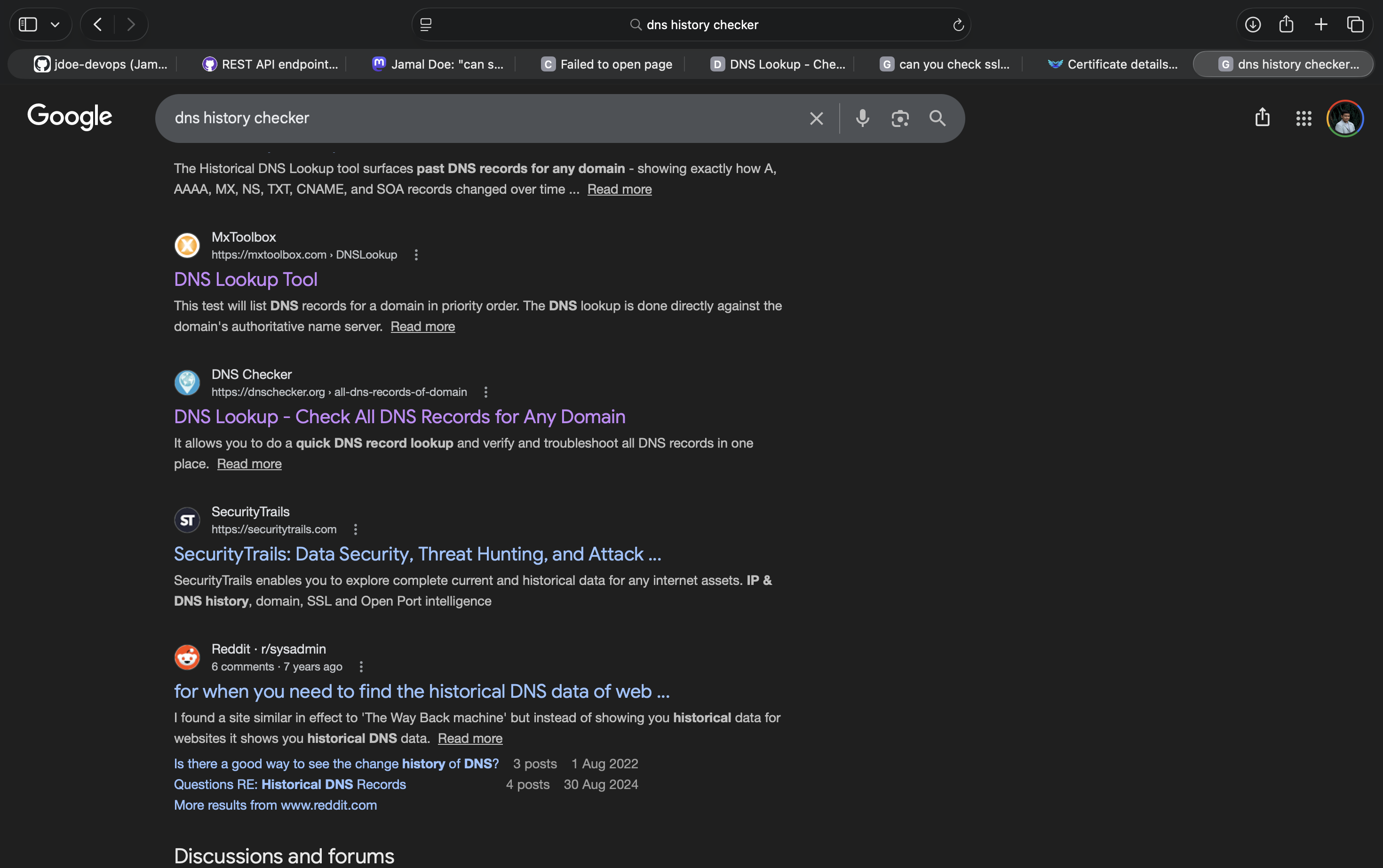
Using a tool like https://dnsdumpster.com/ can retrieve the DNS record. A simple search at google will show a lot of search results for a DNS history browser.
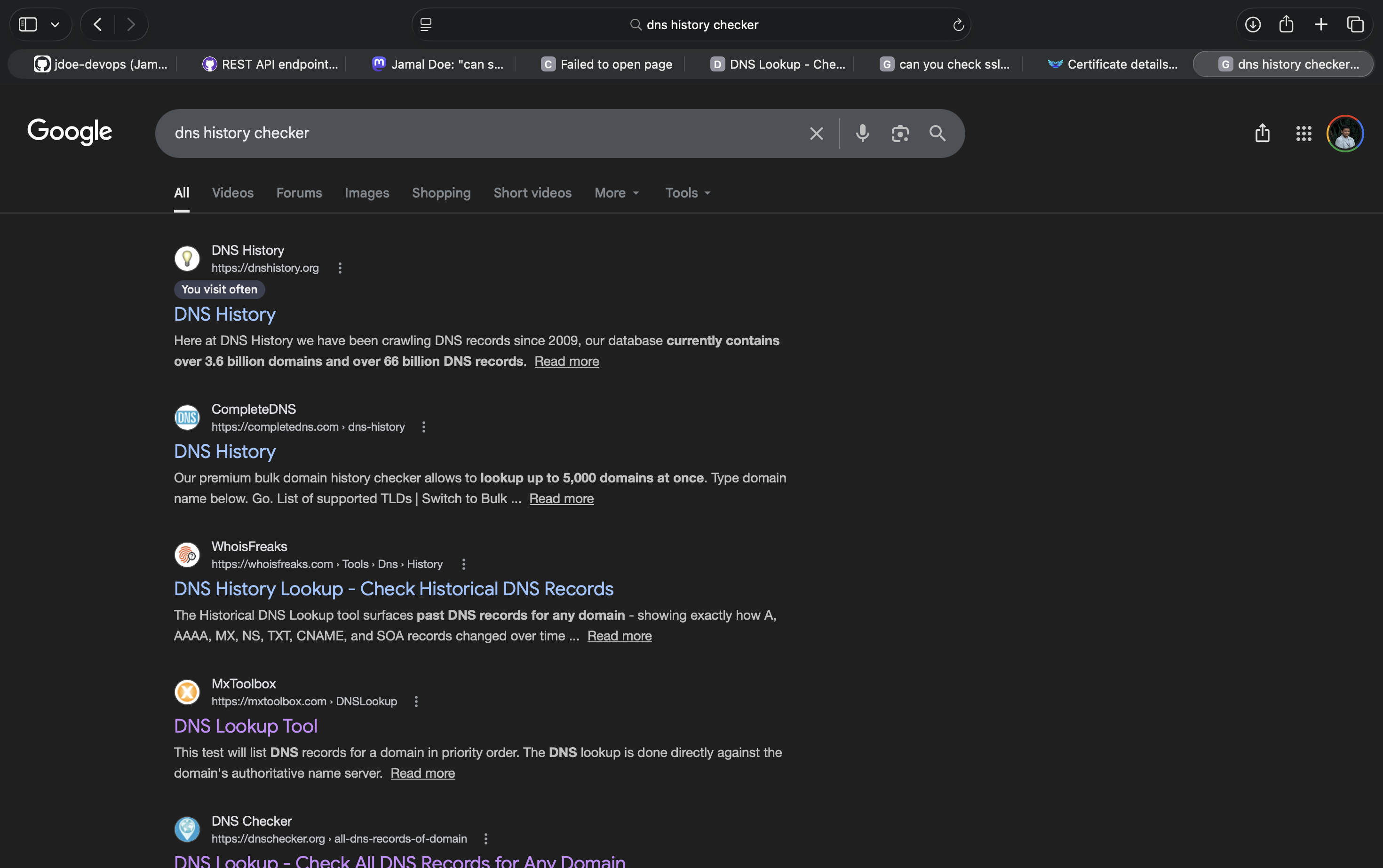
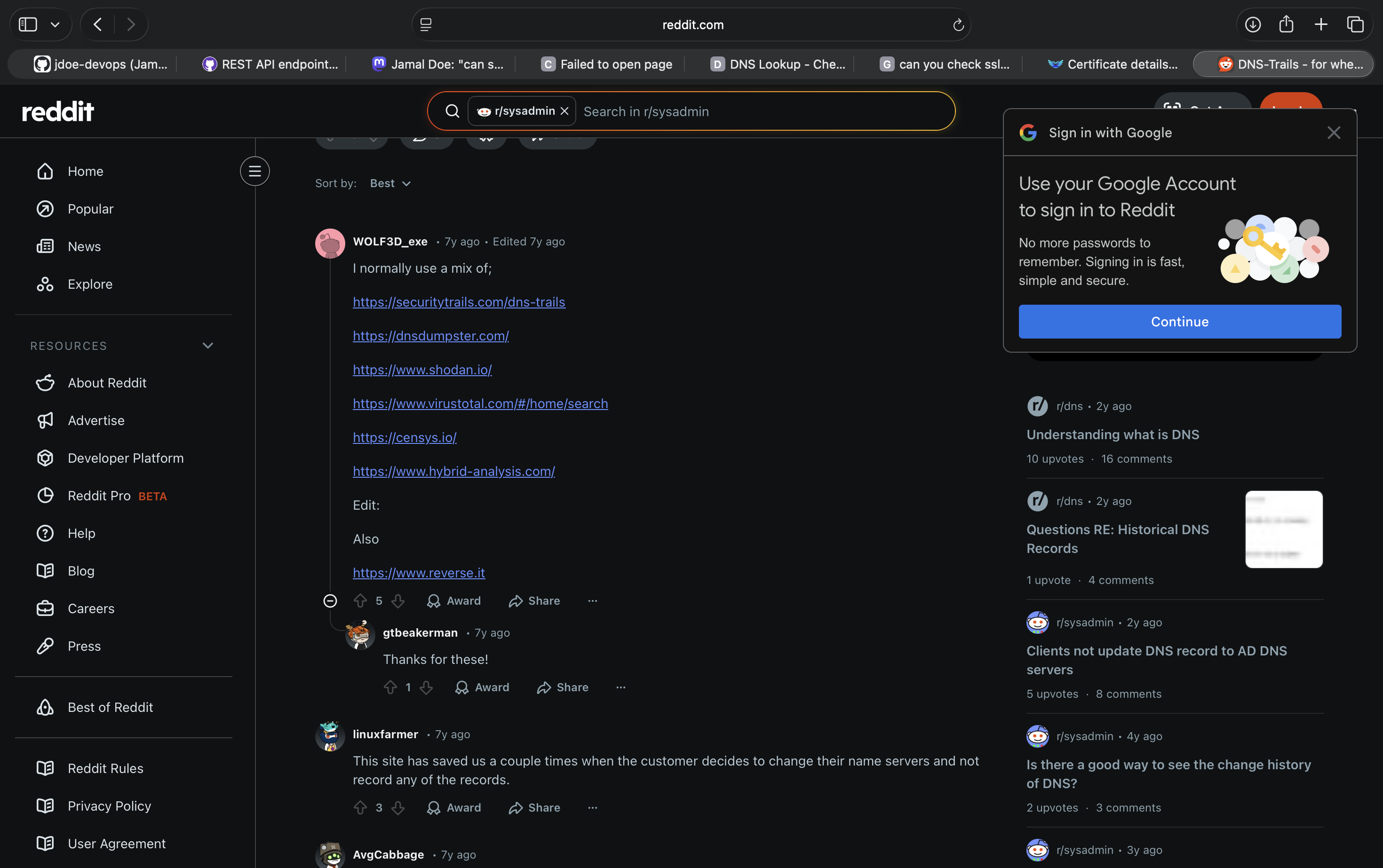
An post at Reddit shows more links of these DNS history record browser.
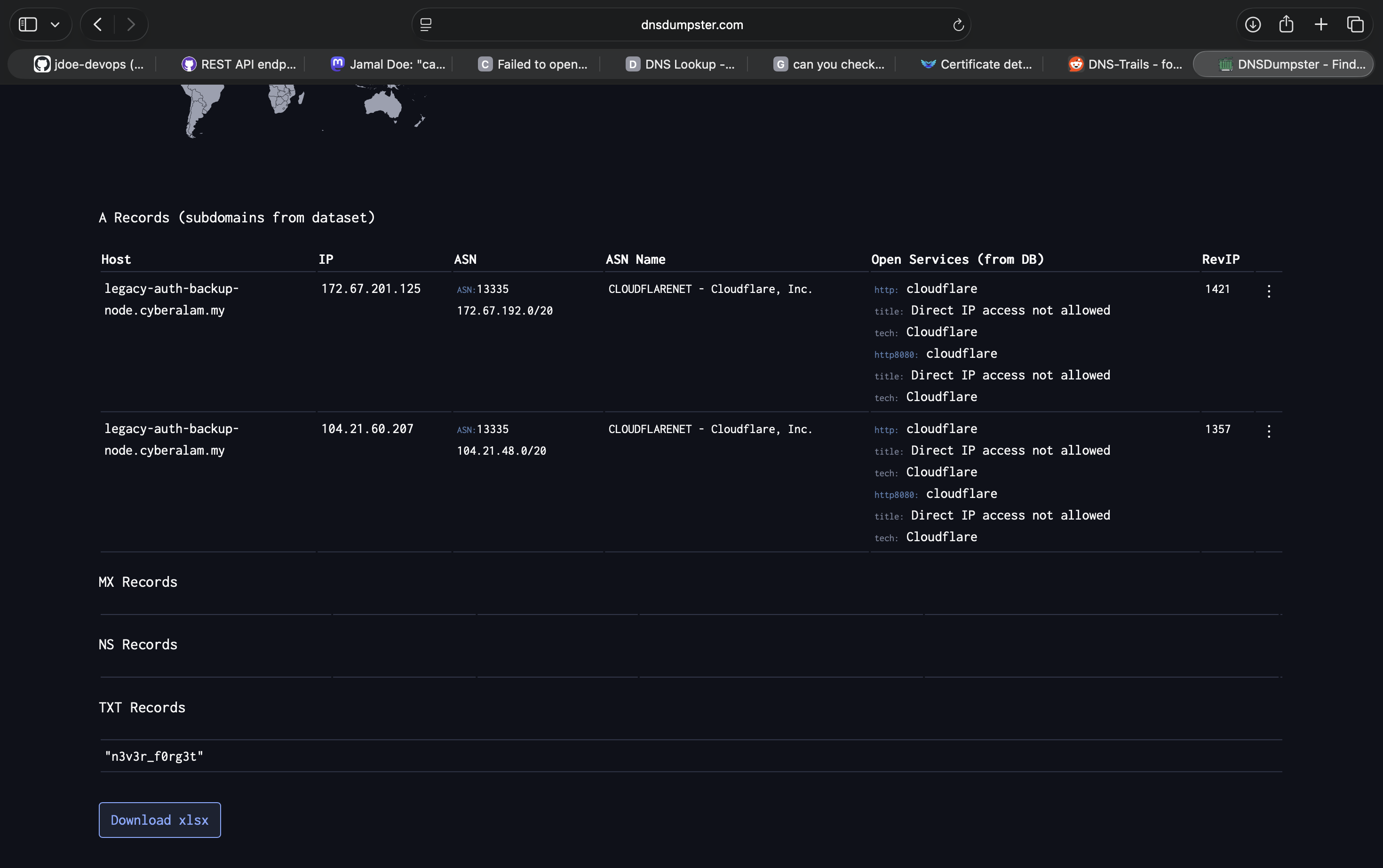
Entering the domain we found earlier at dnsdumpster.com reveals the A record and a TXT record that contains the 3rd part of the flag which is n3v3r_f0rg3t}. Now, we know that the server once upon of time points to somewhere as well.
The complete flag will be OWASPKL{1r3n3_f0rc3_push3s_n3v3r_f0rg3t}
TIP: Searching
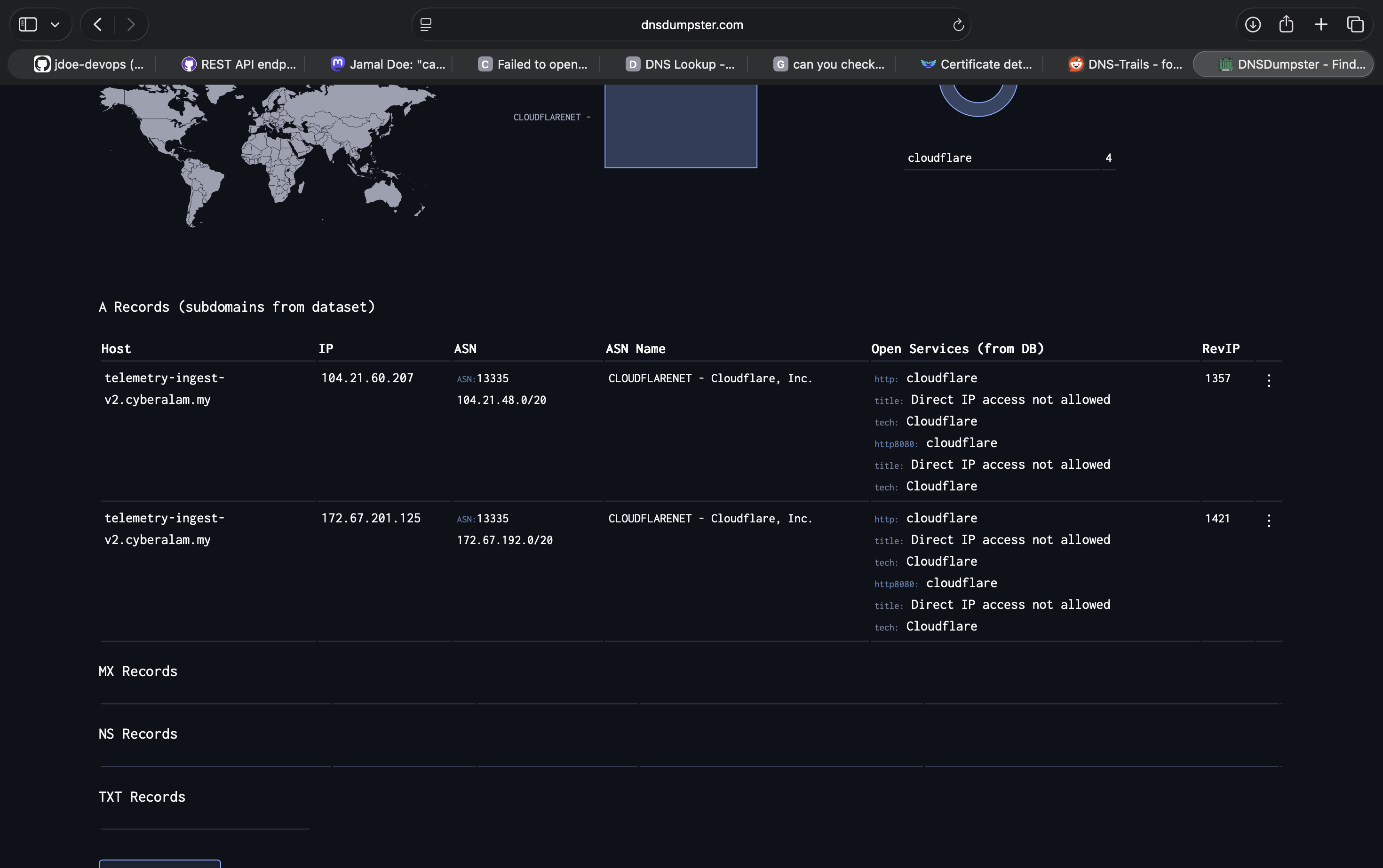
telemetry-ingest-v2.cyberalam.myat the same platform also shows an A record pointing to a server
Conclusion
These challenges are made with ideas of my old mistake (forcing push branch to delete secret, posting confidential things in social media and leaving trace of a website).
EXTRA NOTE
Some of the DNS record may still appear to allow the DNS record to propagate to many DNS record history to help improve visibility.
AS OF 16-APR-26 21:54 GMT+8
Other services like dnshistory.org haven’t yet receive the update, but contains the TXT record as it was served few days ago and updates it daily.
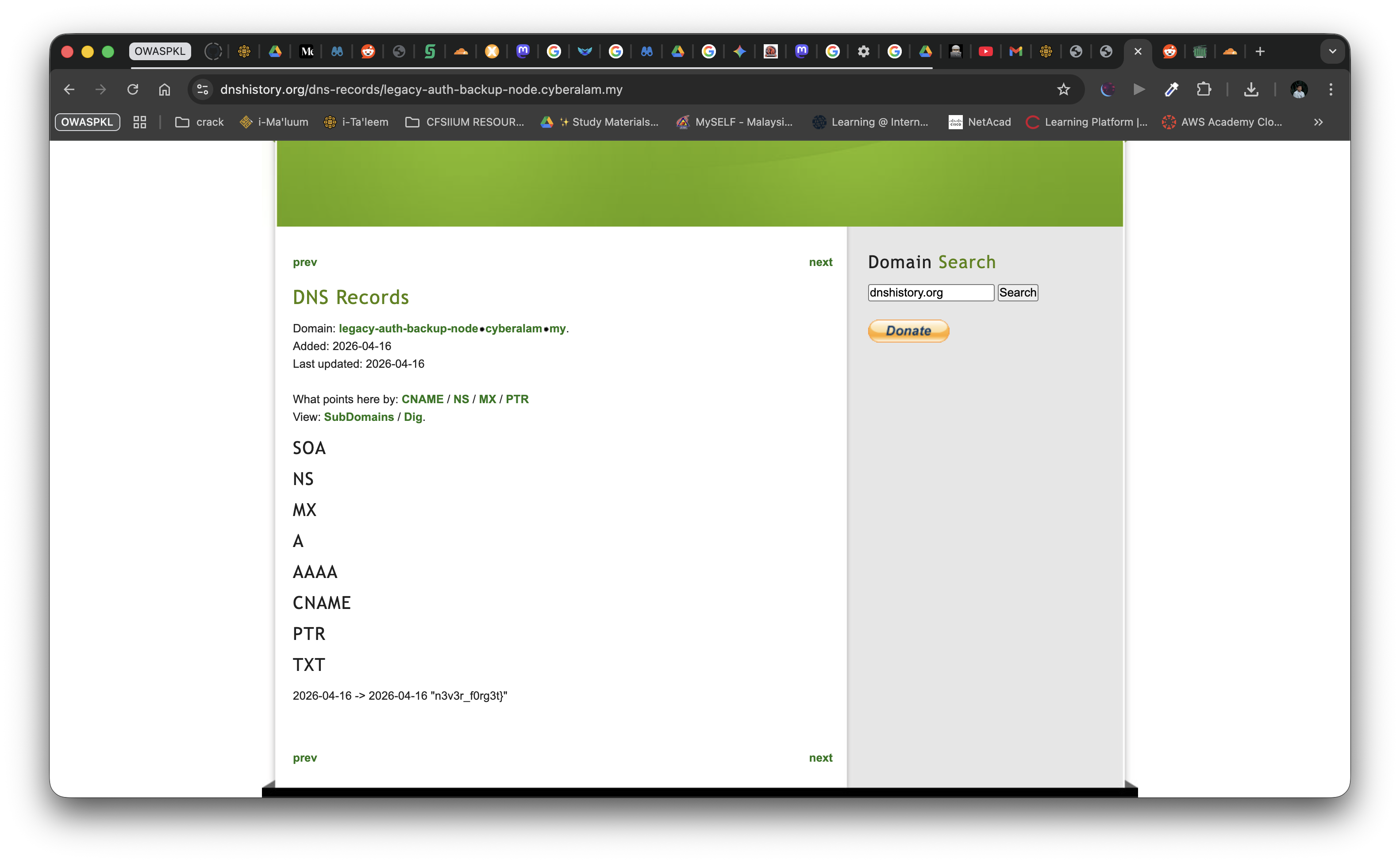
Challenge Updates & Author Notes
After the challenge was deployed, a few external factors affected its solvability, requiring some mid-CTF updates.
Update 1 (20/05/2026)
- Reduced Mastodon Visibility: The
techhub.socialinstance was unfortunately removed from the recommended servers onjoinmastodon.orgdue to moderation issues. This made discovering the instance much harder. - Search Restrictions: Simple searches like “build errors” stopped working on
techhub.socialbecause they tightened search restrictions. We considered various workarounds (like posting more frequently to stay visible or using specific hashtags). - DNS History Strategy: The live DNS for
telemetry-ingest-v2.cyberalam.mywas deliberately taken down so unintended discovery was prevented, relying on DNS history (like dnsdumpster) to remain available. - Easter Eggs: We added a landing page at
www.cyberalam.mywith auto-reply emails during the OSINT week as a fun bonus!
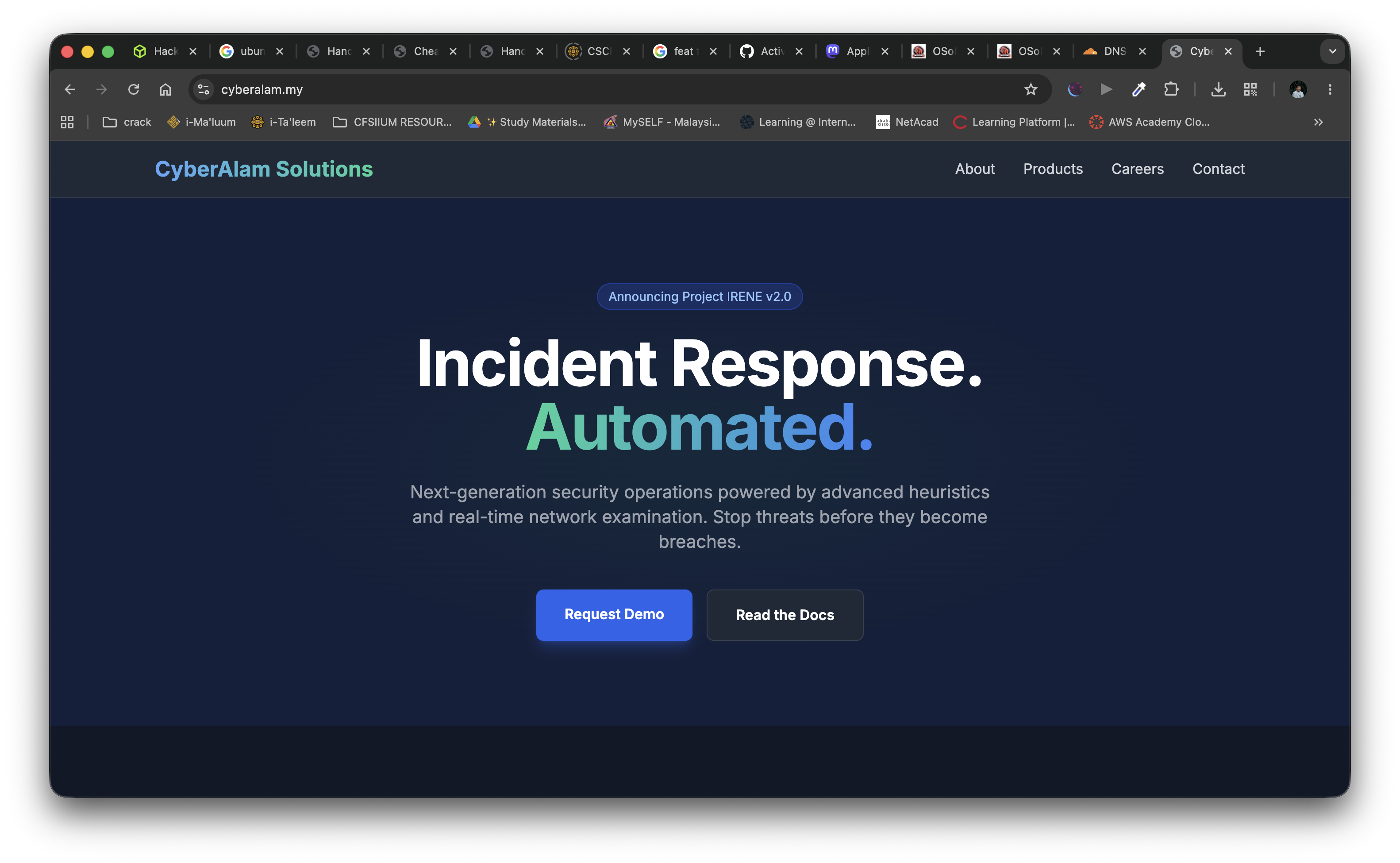
Update 2 (06/06/2026)
Since players were still struggling due to the Mastodon search issues, two official hints were released:
Hint 1 - Leading to the “tech” Mastodon These guys must be working in tech, just like reddit, would you rather post your issues/ranting inside a random subreddit or a “specific” subreddit. Of course you would know better…
Hint 2 - Leading to the specific post What would you usually rant about if it is about an infra? maybe the server went KABOOM! haha, no really. I meant it.
These hints guided players to search for tech-specific Mastodon servers and use keywords related to servers going down to find the right post.